 Albania
 Argentina
 Australia
 Austria
 Belgium
 Bosnia and Herzegovina
 Brazil
 Bulgaria
 Canada
 Chile
 Colombia
 Croatia
 Czech Republic
 Denmark
 Estonia
 Finland
 France
 Germany
 Greece
 Hungary
 Ireland
 Italy
 Latvia
 Lithuania
 Luxembourg
 Mexico
 Moldova
 Montenegro
 Netherlands
 New Zealand
 North Macedonia
 Norway
 Philippines
 Poland
 Portugal
 Romania
 Serbia
 Slovakia
 Slovenia
 South Africa
 Spain
 Sweden
 Switzerland
 Turkey
 Ukraine
 United Kingdom
 United States of America


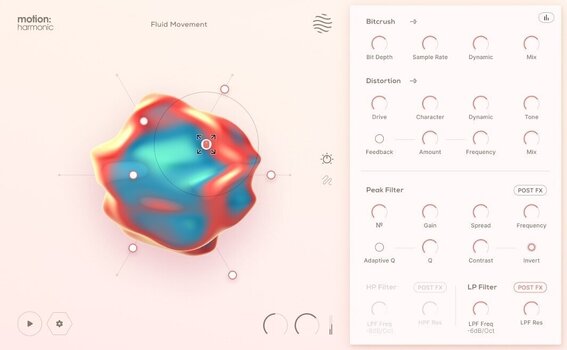
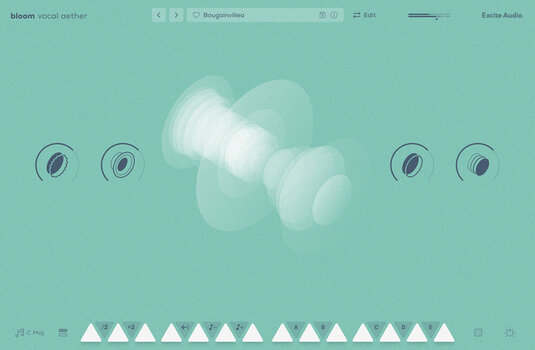
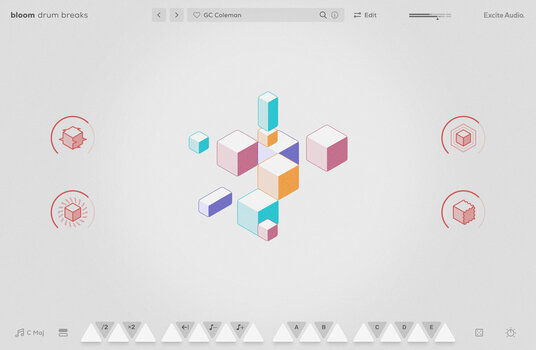
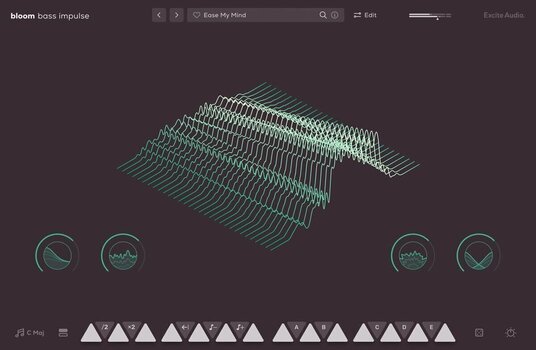
- License: Full Version
- Type: Synth, Virtual Instrument
- License duration: Perpetual
- Compatible with: All major DAWs
- Supported plug-in formats: AU, VST3
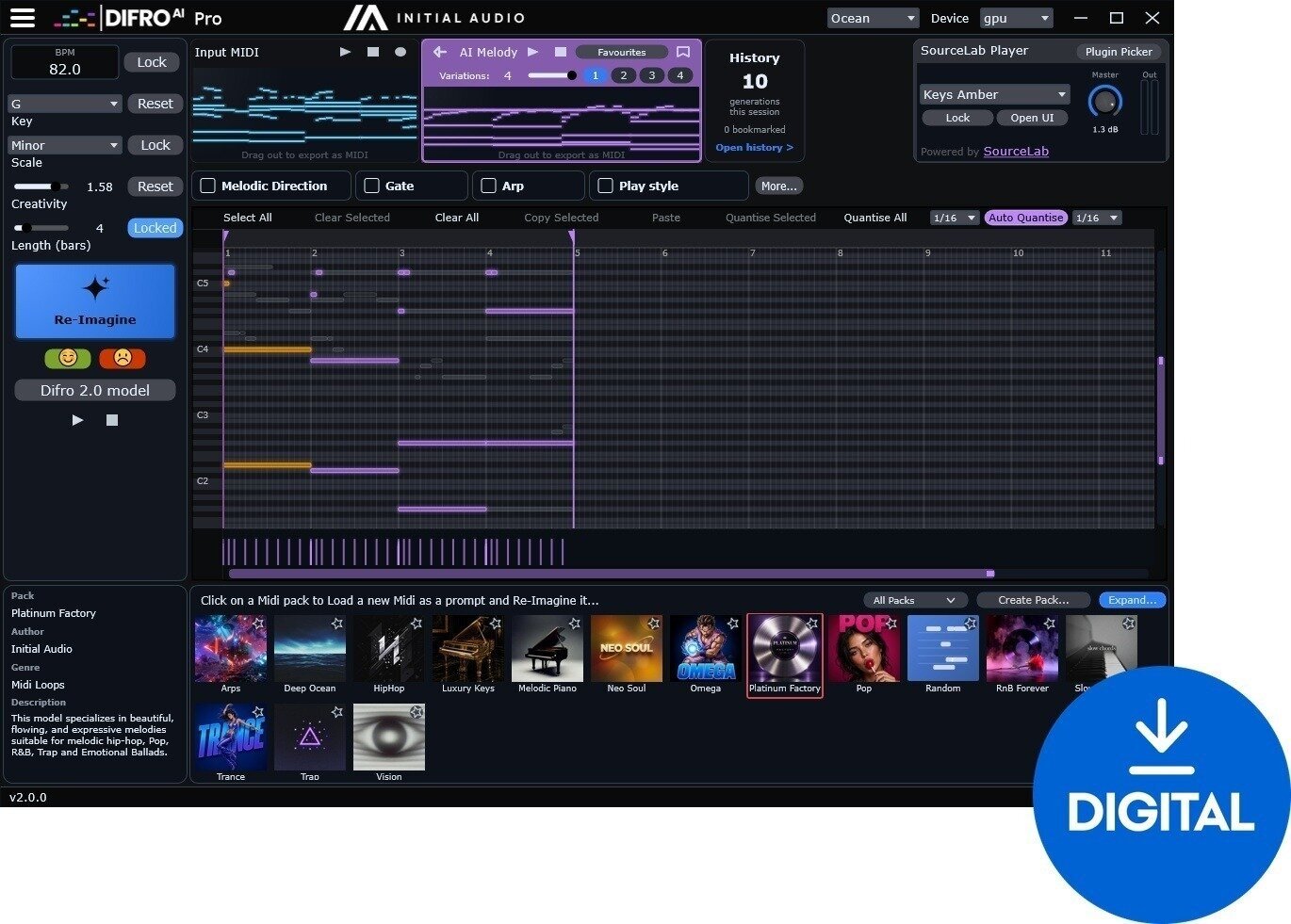
Initial Audio Initial Audio Difro (Digital product)
Difro 2.5 - Transform Your Music Creation
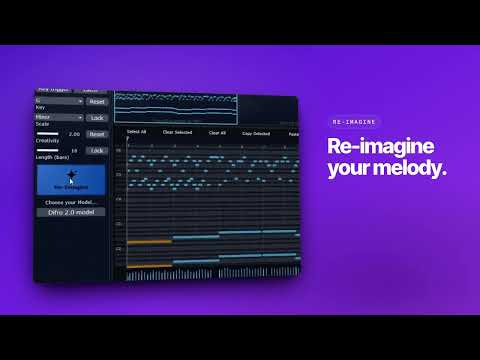
Experience the power of creativity with Difro 2.5, where you can play live or drop a MIDI idea to reimagine a new melody. Simply drag an audio loop onto the piano roll and let Difro do the rest. Enjoy a seamless experience with no cloud or subscriptions required.
Key Features
- Audio to MIDI: Effortlessly drop an audio loop onto the piano roll, and Difro extracts the melody as MIDI, complete with velocity. Perfect for melodic loops up to 16 bars.
- VST3 and AU Plugin: Integrate the full Difro experience directly into your DAW. Sync output, stream MIDI and audio in real-time, or mute below Master gain to route MIDI only.
- Key Triggering: Control playback with MIDI notes, featuring a latch option to hold loops with a single hit. Disable this feature to play the instrument loaded inside Difro.
- Interactive Quick Start: A new in-app tutorial guides first-time users through the interface and basics of generating, converting, and exporting MIDI.
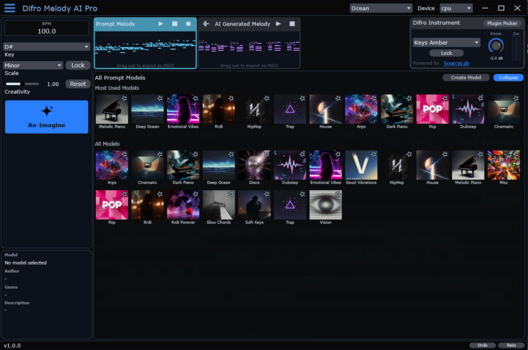
- Customizable Workspace: Adjust section edges for more space in the piano roll, packs, or mixer. Brightness and contrast sliders are conveniently located in the title bar.
- Optimized Performance: Enjoy a lighter download size, approximately 300MB smaller, with support for NVIDIA Blackwell GPUs on Windows.
The Full Difro Experience
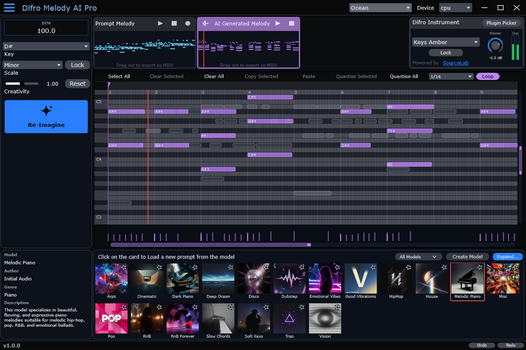
Difro 2.5 is available as a VST3 and AU plugin, offering the same piano roll, packs, and generation features locked to your project tempo. Output MIDI, audio, or both in real-time.
- Sync playback to your DAW and stream MIDI and audio seamlessly.
- Mute below Master gain for MIDI-only routing to another track.
- Utilize key triggering for loop control with an option to play the instrument loaded inside Difro.
Intelligent Music Creation
Difro is not just a randomizer; it understands melody, rhythm, and chord progressions, preserving the essence of your original idea while crafting something entirely new.
- No MIDI file needed—record live, drag in chords, or drop an audio loop to extract MIDI. Use the Creativity Slider to determine how far Difro should take your idea.
- Load popular plugins like Serum, Kontakt, or Omnisphere directly within Difro to audition AI-generated melodies with your presets.
- Apply Gate, Arp, Rhythm, and Melodic Direction for added variation without losing your original concept.
- Difro 2.5 defaults to GPU mode when a compatible card is available, ensuring optimal performance.
Host Your Favorite Plugins
Load your favorite plugins directly inside Difro, both in the standalone app and the new VST3/AU plugin, allowing you to audition melodies with your exact presets before exporting.
- VST3 plugin hosting on Windows
- Audio Unit (AU) hosting on macOS
- Preview your presets before export
- Available in both standalone and plugin formats
Effortless Loop Management
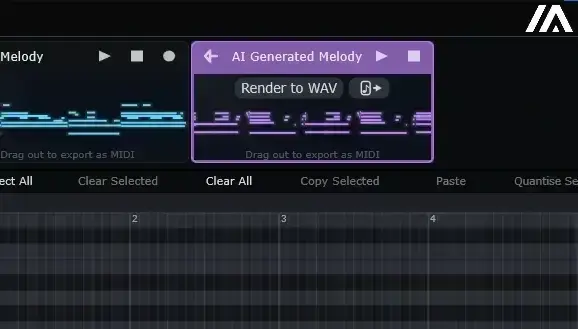
Render your generated melody to a WAV file with a single click. Drag the WAV to your desktop, a custom folder, or directly into your DAW as a sample. Prefer MIDI? Easily drag the output MIDI clip instead.
- One-click rendering of output MIDI to a WAV loop.
- Drag WAV files to your desktop, a folder, or into your DAW.
- Audio files include Key/Scale and BPM in the file name for easy identification.
- Drag MIDI directly from the clip below the Render to WAV button.
An Adaptive AI
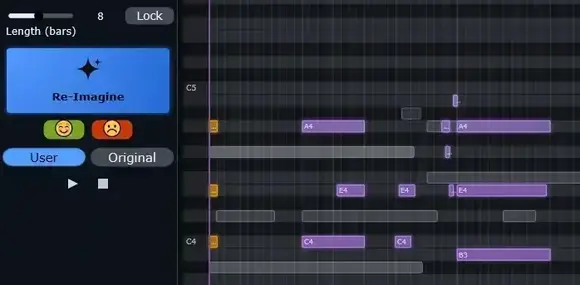
Difro 2 is designed to learn and adapt to your preferences. Rate each generation and create a Feedback model that tailors the output to your musical style.
- Rate outputs with a happy or sad face to teach Difro your preferences.
- Name and maintain multiple Feedback models for personalized adaptation.
- Edit generated MIDI in the piano roll and rate it to set your expectations for future outputs.
- Choose between Difro 1, Difro 2, or any named Feedback model for generation.
- Session History keeps track of every generation and the original MIDI for easy access.
Additional Features
- Unlimited Generations
- Create Custom Models
- MIDI Prompt Packs (5 new + rebuilt library)
- Audio to MIDI + VST3 / AU plugin
- ReImagine & Transform Modes
- 100% Royalty Free
- Lifetime Updates
Additional Info
The full version is software that does not require ownership of any other product or previous version. It is intended for new users who do not yet own the software. The range of features depends on the specific version and product. After purchase, you will receive a license for full use of the software.

License duration
Download
Type
Compatible with
License
System requirements
Mac OSX 10.13
Hardware Requirements
Apple Silicon, Intel
Documents
Safety instructions
Please refer to the user manual for the specific safety instructions for this product.