 Albania
 Argentina
 Australia
 Austria
 Belgium
 Bosnia and Herzegovina
 Brazil
 Bulgaria
 Canada
 Chile
Chile
 Colombia
 Croatia
 Czech Republic
 Denmark
 Estonia
 Finland
 France
 Germany
 Greece
 Hungary
 Ireland
 Italy
Italy
 Latvia
 Lithuania
 Luxembourg
 Mexico
 Moldova
 Montenegro
 Netherlands
 New Zealand
 North Macedonia
 Norway
 Philippines
 Poland
 Portugal
 Romania
 Serbia
 Slovakia
 Slovenia
 South Africa
 Spain
Spain
 Sweden
 Switzerland
 Turkey
 Ukraine
 United Kingdom
 United States of America



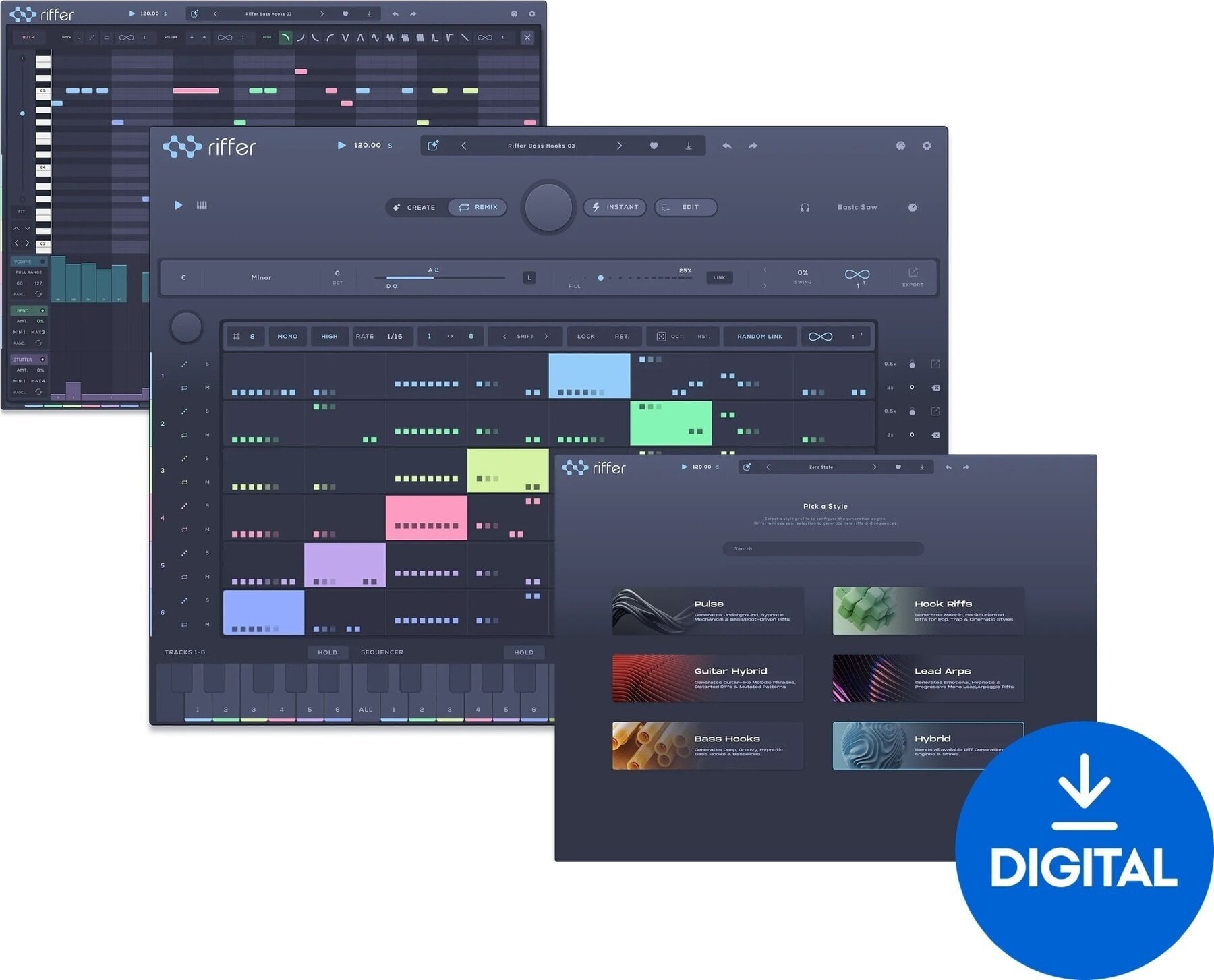
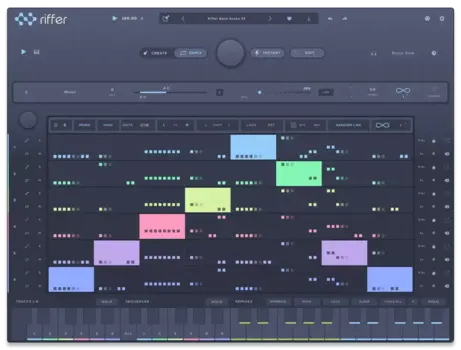
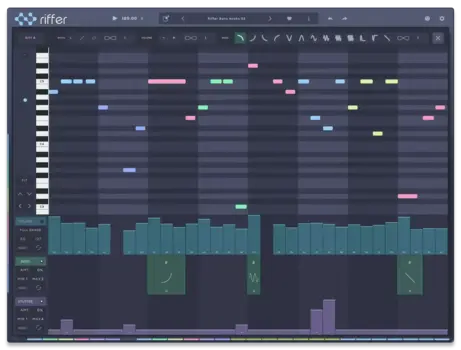
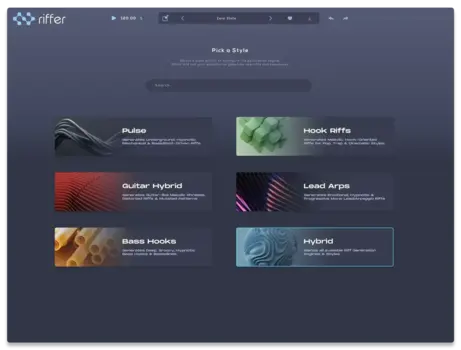

- License duration: Perpetual
- Тype: Sequencer
- System requirements: Mac OSX 10.14 <, Windows 10 <
- Supported plug-in formats: AAX, AU, Standalone, VST3
- Compatible with: All major DAWs
Audiomodern Riffer 4 (Digital product)
Introducing Riffer 4
Discover the next evolution of Audiomodern’s renowned MIDI sequencer.
For over a decade, Riffer has empowered producers to transform empty bars into captivating melodies, hooks, basslines, arpeggios, and innovative musical ideas. Now, with Riffer 4, you have even more tools to create, shape, remix, and personalize every riff.
From Silence to Inspiration in Seconds
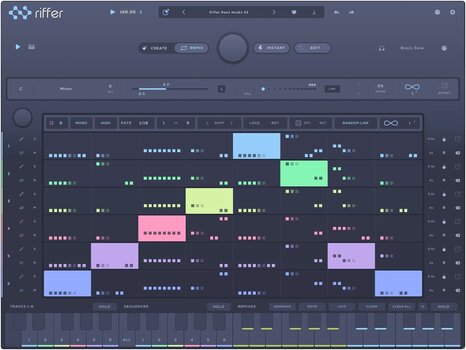
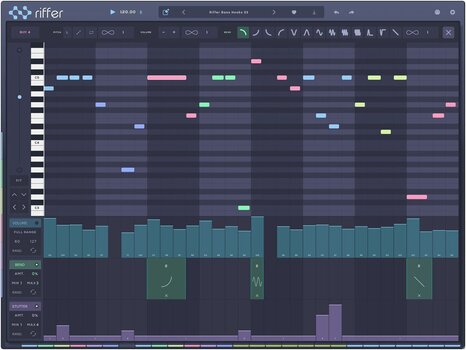
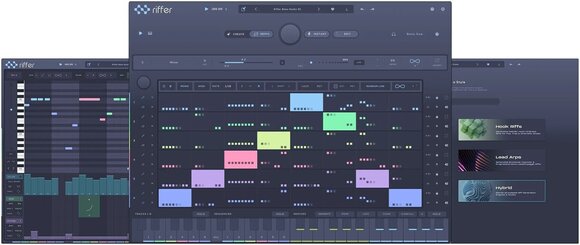
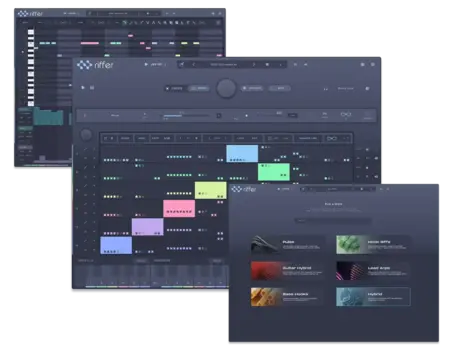
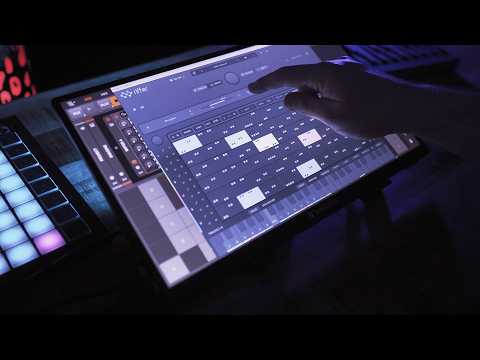
Simply select a key and scale, generate a riff, and customize it to your liking. Adjust the range, density, timing, and feel of your notes. Dive into individual note editing, explore variations, and turn every generated idea into something uniquely yours.
Five Engines. Five Unique Creation Methods.
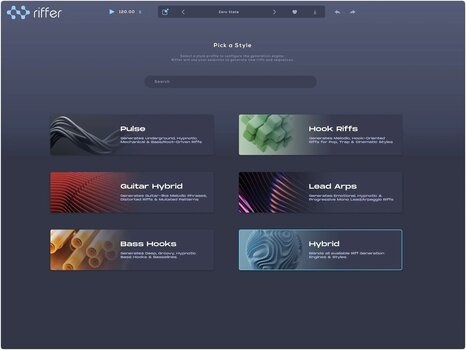
Riffer 4 boasts five specialized generation engines, each crafted with its own musical identity.
Craft hypnotic sequences, unforgettable hooks, guitar-inspired patterns, lively arpeggios, and powerful basslines—then reshape, combine, and transform them into entirely new concepts.
More Than Just a Randomizer
With different engines offering distinct characters, the possibilities are endless.
Designed to Keep Ideas Flowing
- Instantly generate musical MIDI riffs
- Explore five unique creative engines
- Work in any key and scale
- Control note range, density, timing, and feel
- Edit each note directly
- Create and develop variations
- Shape generated ideas into your own compositions
- Export MIDI to continue working in your preferred music-making environment
- Craft melodies, hooks, basslines, arpeggios, sequences, and more
A Decade of Riff Innovation
Riffer has been generating musical ideas long before generative tools became mainstream. After 10 years, over 100,000 users, and millions of generated riffs, Riffer 4 elevates the original concept to new heights.
Whether you’re launching a new track, overcoming a creative block, seeking unexpected variations, or simply craving fresh inspiration, Riffer 4 is here to keep your ideas flowing.
Create. Shape. Remix. Make It Yours.
With millions of riffs behind you, the next masterpiece is yours to create.
Riffer 4: A MIDI Sequencer That Starts the Song for You
Riffer 4 is the next generation of Audiomodern's MIDI sequencer, which has been helping producers turn empty bars into melodies, hooks, basslines and arpeggios for a decade. Pick a key and scale, generate a riff, then adjust its range, density, timing and feel until it fits your track.
Five Engines, Five Different Ways In
Riffer 4 does not rely on one generic randomizer. Five purpose-built engines give every new riff its own character, from hypnotic pulses and memorable hooks to guitar-inspired movement, animated arps and basslines with weight. Each generated idea can be edited note by note, varied, remixed and exported as MIDI to keep working in your DAW.
Who It's For
Producers and beatmakers who need a fast way to spark new melodies and basslines without leaving their DAW will find Riffer 4 useful from the first session. It suits beginners looking for a starting point as well as experienced producers escaping a creative block, and it works in all major DAWs including Ableton Live, Pro Tools, Logic Pro, FL Studio, Cubase, Studio One, Bitwig and Reaper.
Technical Parameters
- Product Type: Generative MIDI sequencer
- Plug-in Formats: AAX, AU, VST3, Standalone
- Operating Systems: macOS 10.14 or later (native Apple Silicon), Windows 10 or later
- License: Full version
Additional Info

The full version is software that does not require ownership of any other product or previous version. It is intended for new users who do not yet own the software. The range of features depends on the specific version and product. After purchase, you will receive a license for full use of the software.

License duration
Download
License
System requirements
Windows 10
Hardware Requirements
4 GB RAM, 2 GB HD
Made in
Bulgaria
Documents
Instructions for use
Safety instructions
Please refer to the user manual for the specific safety instructions for this product.


