Albania
 Argentina
 Australia
 Austria
 Belgium
 Bosnia and Herzegovina
 Brazil
 Bulgaria
 Canada
 Chile
 Colombia
 Croatia
 Czech Republic
 Denmark
 Estonia
 Finland
 France
 Germany
 Greece
 Hungary
 Ireland
 Italy
 Latvia
 Lithuania
 Luxembourg
 Mexico
 Moldova
 Montenegro
 Netherlands
 New Zealand
 North Macedonia
 Norway
 Philippines
 Poland
 Portugal
 Romania
 Serbia
 Slovakia
 Slovenia
 South Africa
 Spain
 Sweden
 Switzerland
 Turkey
 Ukraine
 United Kingdom
 United States of America


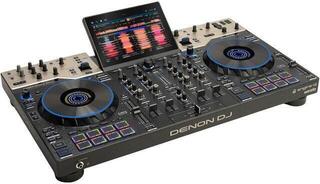
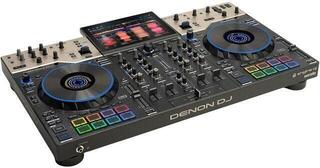
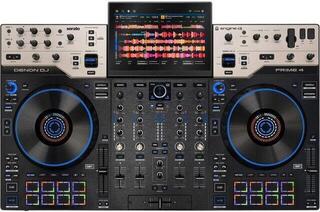
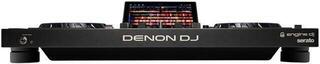
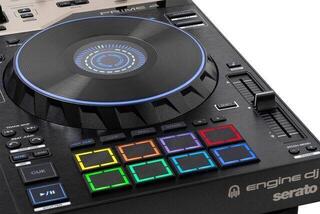
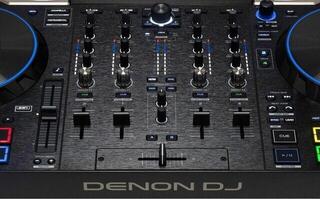
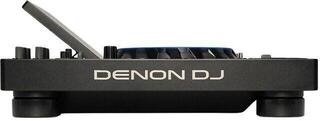
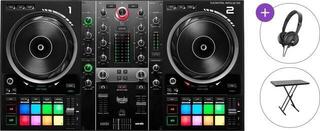
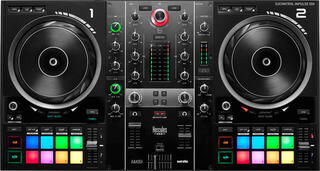
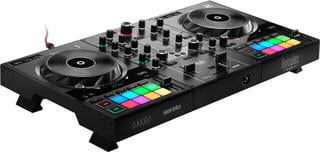
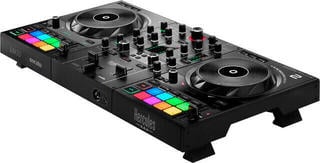
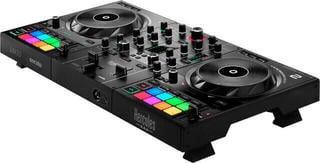
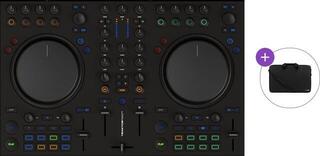
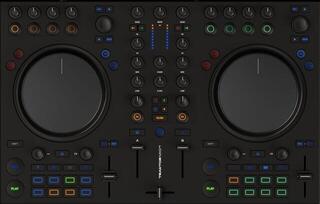
DJ Controllers
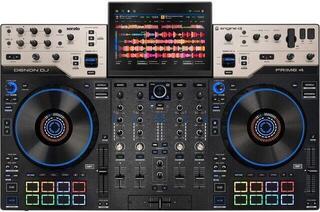
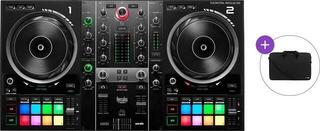
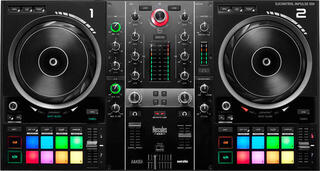
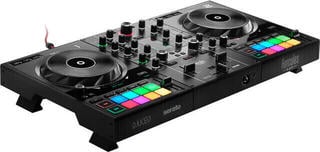
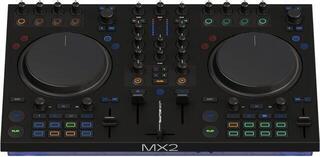
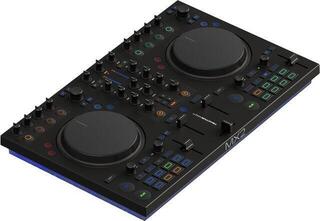
A DJ controller operates music software through jog wheels, faders, pads and rotary controls, so you do not have to work only with a mouse and keyboard. Some models need a computer or mobile device, while others can function more independently depending on their design. Before choosing, check the supported software, operating system, audio outputs and power method. The control layout should suit whether you are learning basic transitions or using loops, hot cues and effects.
Computer-based controller or standalone setup
A compact controller is practical for learning at home and travelling, but it requires compatible software and enough ports. A larger model provides more dedicated controls and connectors. Always test drivers, audio settings and access to your music library before a performance.
Compatibility checklist
- supported operating system and DJ software version;
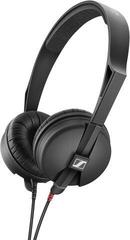
- number of audio outputs and separate headphone cue monitoring;
- type of USB or other data connection;
- software licence and features available without an additional fee;
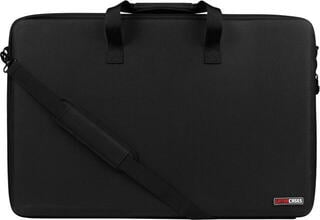
- dimensions of the work surface and a suitable protective case.
Preparing your music library
Organise your tracks before playing, check their analysis and prepare a backup way to access important files. A controller cannot compensate for a damaged cable or missing adapter, so test the inputs, power and cue monitoring at home. When performing publicly, use only legally obtained music and respect the terms of the software you use.
What to add to a digital setup
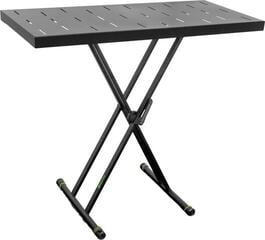
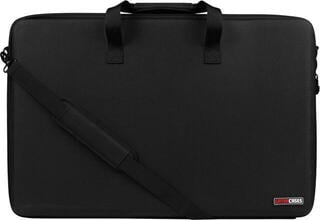
If you want to connect several sources independently, see DJ mixers. A DJ table provides a stable working height, while cases and bags for DJ equipment support safe transport.