Albania
 Argentina
 Australia
 Austria
 Belgium
 Bosnia and Herzegovina
 Brazil
 Bulgaria
 Canada
 Chile
Chile
 Colombia
 Croatia
 Czech Republic
 Denmark
 Estonia
 Finland
 France
 Germany
 Greece
 Hungary
 Ireland
 Italy
Italy
 Latvia
 Lithuania
 Luxembourg
 Mexico
 Moldova
 Montenegro
 Netherlands
 New Zealand
 North Macedonia
 Norway
 Philippines
 Poland
 Portugal
 Romania
 Serbia
 Slovakia
 Slovenia
 South Africa
 Spain
Spain
 Sweden
 Switzerland
 Turkey
 Ukraine
 United Kingdom
 United States of America



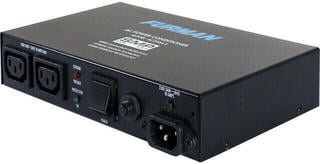
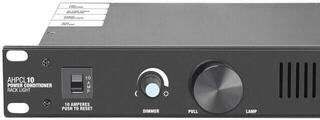
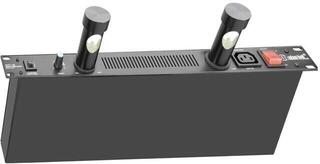
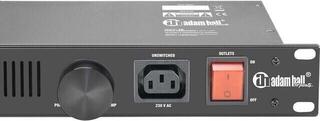
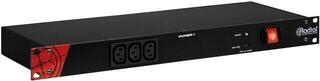
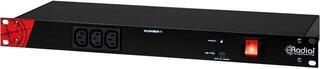
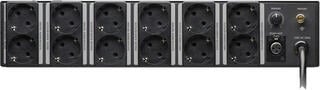
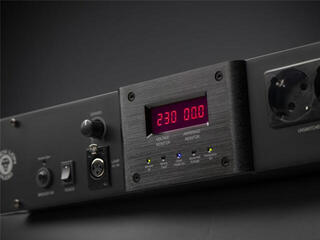
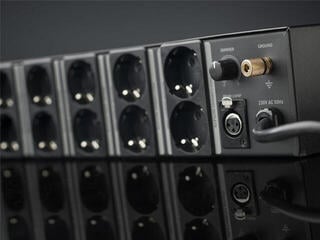
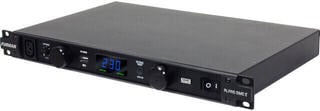
Power Conditioner
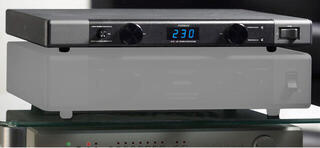
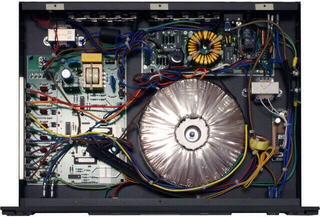
A voltage stabilizer protects music and audio equipment from power fluctuations and keeps the output voltage within a range suitable for connected devices. It is especially useful where the mains supply is unstable, in mobile sound systems, or in a studio with sensitive electronics. It helps reduce problems caused by undervoltage or overvoltage, but not all electrical grid faults. When choosing one, first calculate your system’s power consumption and check the type of protection, connectors, and mounting method.
What a stabilizer solves in an audio system
Mains fluctuations can cause devices to shut down, digital equipment to behave unexpectedly, or power circuits to be excessively stressed. A stabilizer continuously adjusts the input voltage and keeps the output within limits usable for the connected equipment. It makes sense, for example, with recorders, mixing consoles, processors, or active monitors, where a restart would interrupt recording or a performance.
However, not every audio problem originates from the mains supply. Hum can be caused by a ground loop, damaged cable, or unsuitable signal routing. Therefore, do not view a stabilizer as a universal noise eliminator, but as part of a well-designed power setup. When putting together your workspace, you can also look at other audio equipment and route power and signal cables so they do not cross unnecessarily.
Power headroom and load type
Look for power consumption on device labels, not the amplifier’s audio power output. Add the values together and leave headroom: some devices draw more power briefly at switch-on. If the stabilizer manufacturer specifies capacity in volt-amperes and the equipment’s power consumption in watts, these are not automatically equivalent values. For power amplifiers and motor-driven equipment, verify the suitability of the combination according to both parties’ documentation.
| Situation | What to check | Practical reason |
|---|---|---|
| Home or project studio | Total power consumption, noise level, number of outputs | The fan or relay should not interfere with recording |
| Concert setup | Headroom, mechanical durability, mounting | The device is often transported and powered together with other equipment |
| Fixed installation | Continuous load, status indication, and service access | The power status must remain readable after installation |
| Sensitive digital devices | Input voltage range and protection response | A brief outage can interrupt recording or settings |
Stabilizer, surge protection, or UPS
These devices have different roles. Standard surge protection responds to certain voltage spikes, but does not continuously compensate for prolonged undervoltage. A stabilizer corrects fluctuations within its operating range, but generally does not supply power during a complete outage. A UPS uses a battery so equipment can continue operating for a certain time or shut down safely; however, not every model provides the same type of stabilization.
- For frequent mains fluctuations, consider a stabilizer with a clearly stated input range.
- For protection against short spikes, check the surge protection specifications.
- If you cannot lose an unfinished recording, power backup is also important.
- For a combined device, read the datasheet, not just the product name.
Connectors, format, and controls
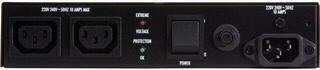
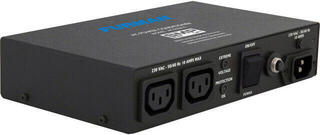
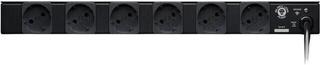
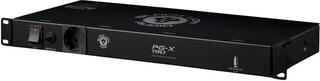
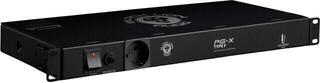
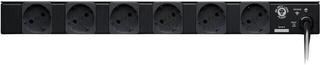
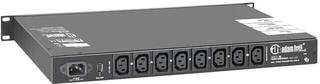
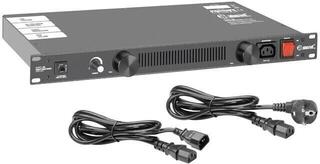
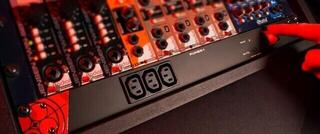
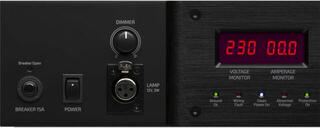
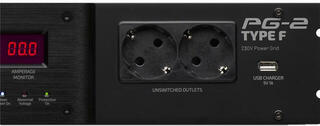
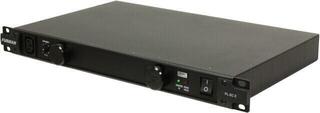
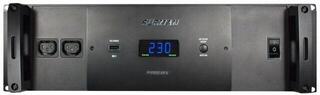
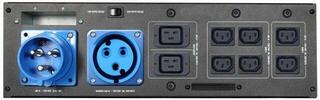
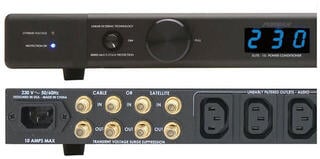
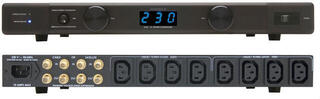
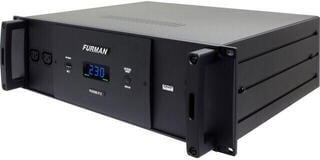
A desktop version is easy to add to a smaller setup, while a rackmount model fits into a transport or studio rack. Match the number of outlets to the actual setup and leave room for devices with bulky adapters. A clear indication of input and output voltage, status LEDs, and overload protection are useful. For concert use, you will appreciate controls that cannot be accidentally switched while handling the equipment.
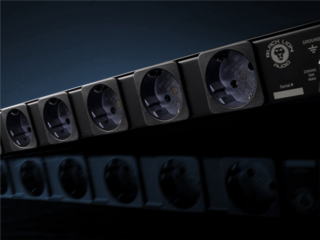
Also check the grounding and outlet type. An adapter may mechanically connect different connectors, but it does not change the electrical properties of the device. Never disconnect the protective earth conductor to eliminate hum. Connection of a fixed installation or distribution board belongs to a qualified person.
Procedure before first switch-on
- Verify the rated voltage, frequency, and maximum load according to the labels.
- Position the stabilizer so it has sufficient ventilation and is not covered by cables.
- First connect switched-off equipment, then switch it on in the recommended order.
- Monitor the overload indication and do not bypass fuses or protective elements.
- Before moving the setup, switch it off and disconnect it; replace damaged cables.
Powering the entire signal chain
Decide which devices need shared protection. In a sound system, it may be practical to separate sensitive signal sources and control equipment from the power section. A mixing console and processors usually have a different load than a power amplifier, so do not connect them blindly to a single output. If the stabilizer indicates a condition outside its operating range or repeatedly switches off, reduce the load and have the electrical supply checked; do not replace protection with a higher-rated fuse.
For both recording and live performance, compatible electrical parameters, power headroom, and safe connection matter more than the number of indicators on the front panel. Check cables, outlets, and ventilation openings. A stabilizer will not remedy damaged electrical wiring or neglected maintenance.