Albania
 Argentina
 Australia
 Austria
 Belgium
 Bosnia and Herzegovina
 Brazil
 Bulgaria
 Canada
 Chile
 Colombia
 Croatia
 Czech Republic
 Denmark
 Estonia
 Finland
 France
 Germany
 Greece
 Hungary
 Ireland
 Italy
 Latvia
 Lithuania
 Luxembourg
 Mexico
 Moldova
 Montenegro
 Netherlands
 New Zealand
 North Macedonia
 Norway
 Philippines
 Poland
 Portugal
 Romania
 Serbia
 Slovakia
 Slovenia
 South Africa
 Spain
 Sweden
 Switzerland
 Turkey
 Ukraine
 United Kingdom
 United States of America


Sound cards for beginners
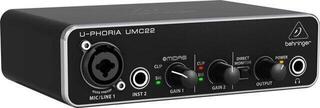
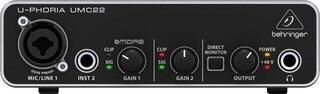
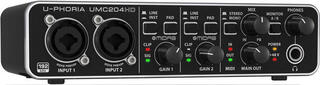
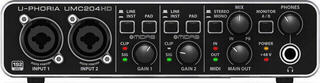
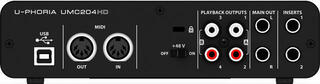
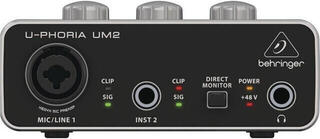
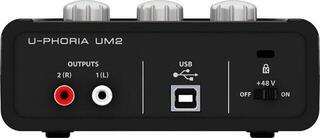
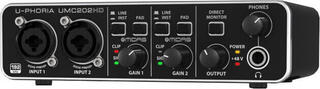
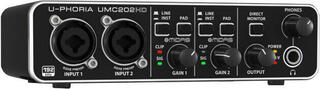
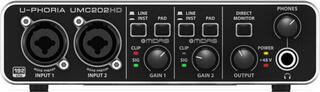
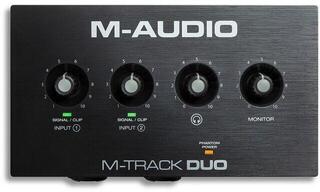
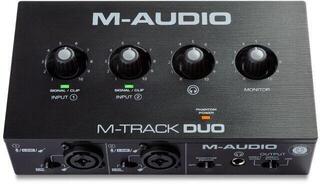
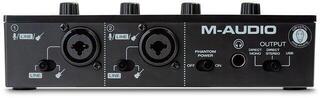
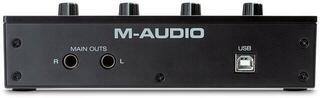
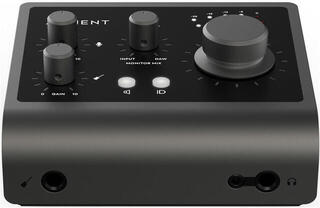
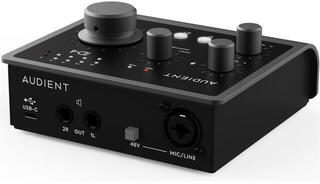
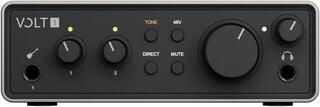
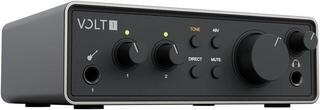
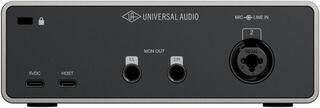
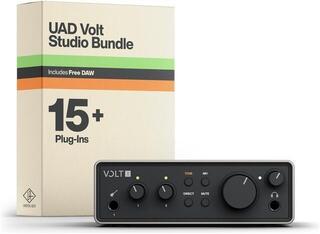
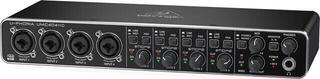
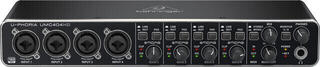
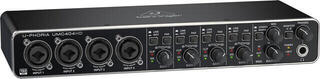
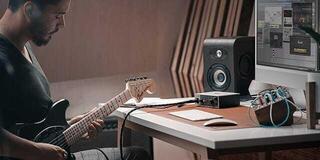
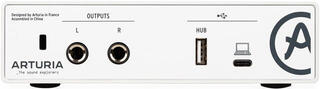
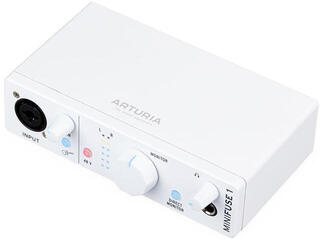
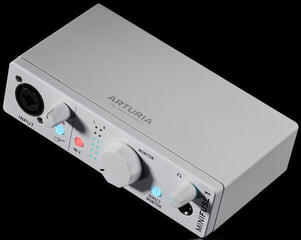
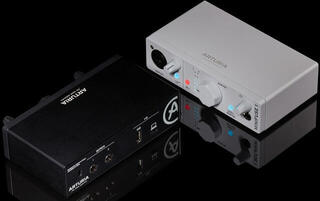
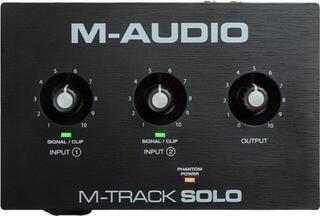
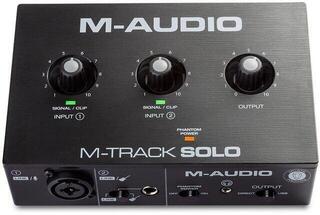
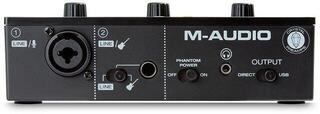
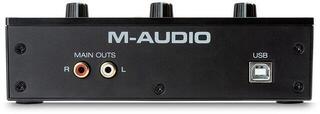
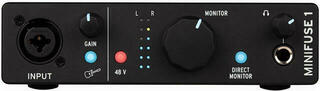
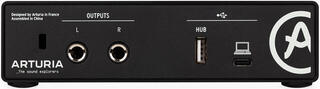
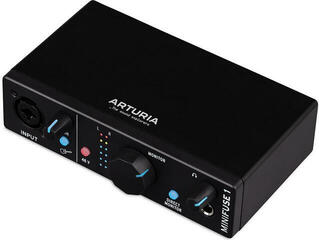
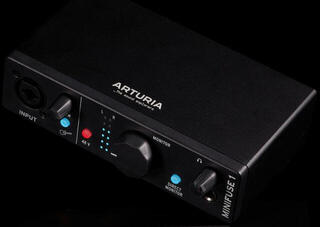
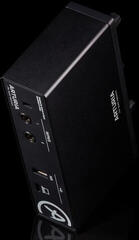
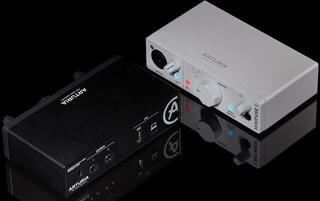
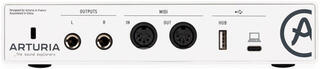
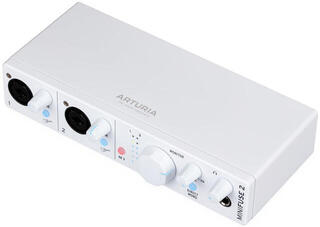
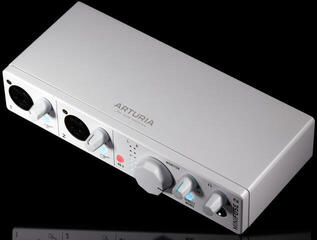
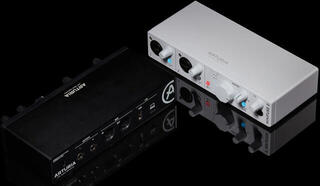
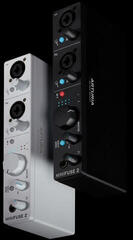
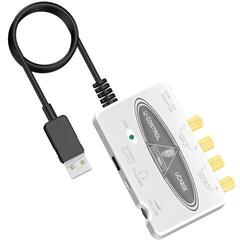
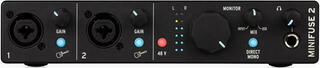
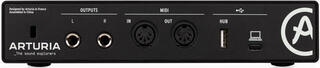
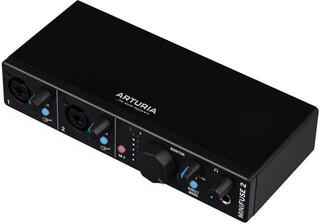
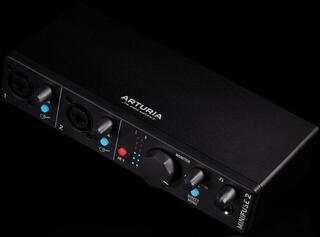
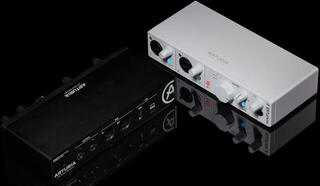
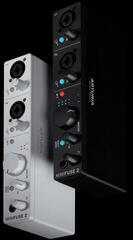
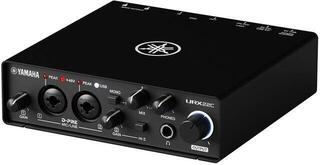
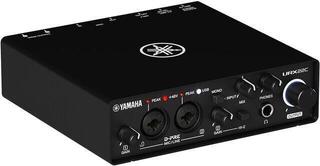
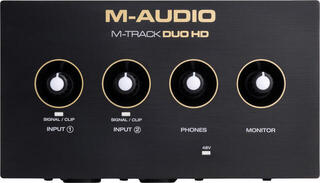
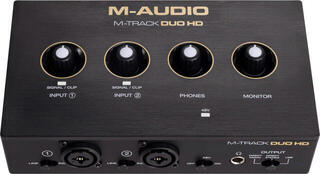
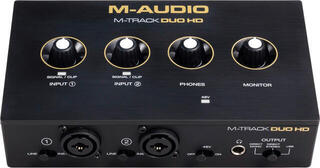
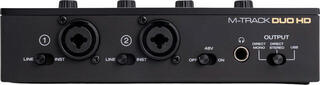
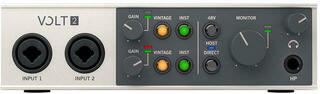
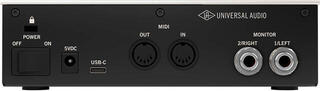
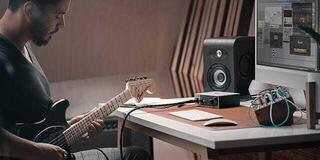
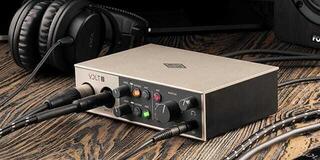
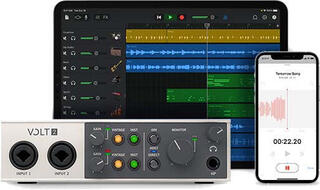
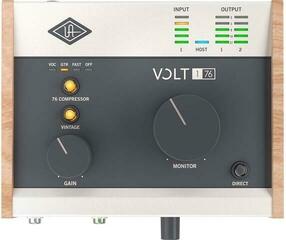
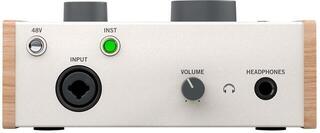
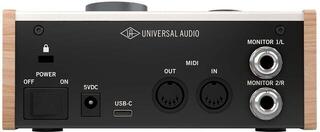
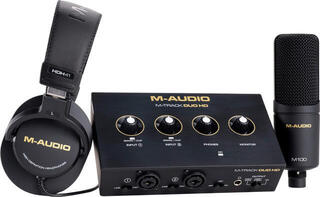
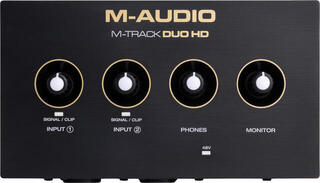
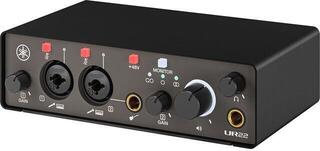
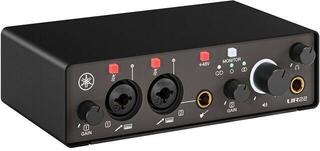
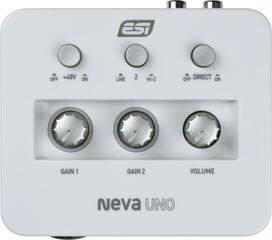
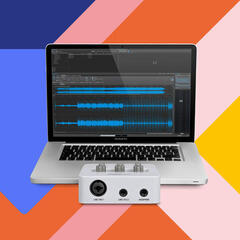
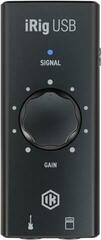
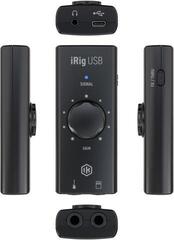
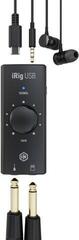
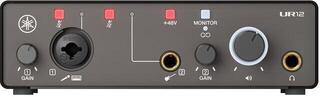
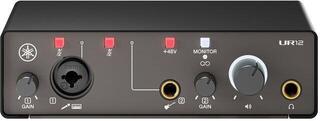
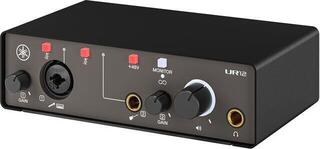
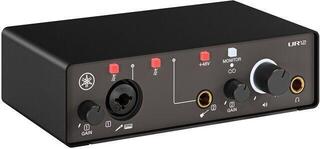
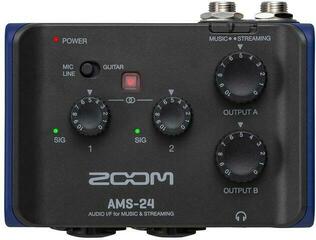
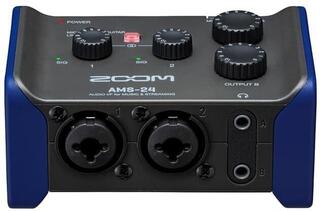
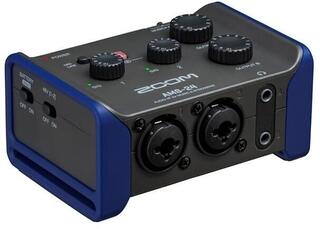
Sound cards for beginners are simple USB audio interfaces that let you record vocals, guitar or keys to your computer in cleaner quality than through the built-in sound card. Most of them have one or two inputs, a headphone output and phantom power for a condenser microphone. Here you can choose from models such as the Focusrite Scarlett Solo and 2i2, Behringer U-Phoria, Universal Audio Volt, Arturia MiniFuse or M-Audio M-Track. They are good for your first recordings at home, podcasts, streaming and quiet practice on headphones.
Are you recording just vocals, or voice and guitar at the same time?
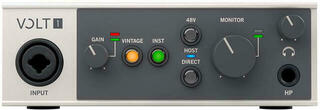
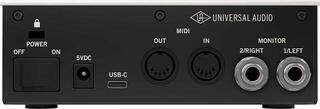
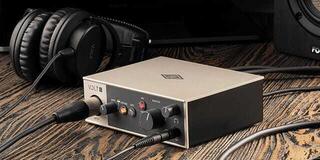
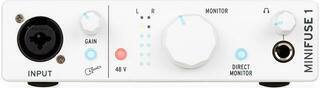
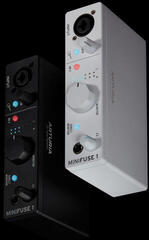
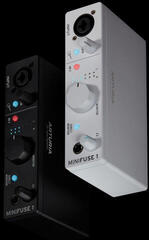
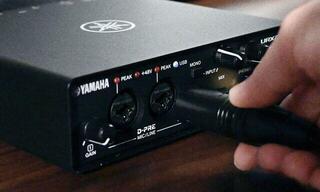
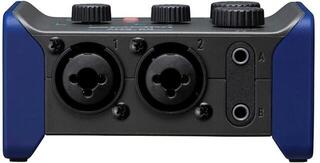
The number of inputs is the first thing to sort out when choosing a sound card. A card with one combo input, such as the Universal Audio Volt 1 or Arturia MiniFuse 1, is enough if you record one track after another: guitar first, then vocals. The combo input takes both an XLR microphone cable and a guitar jack.
| What you record | Inputs to look for | Examples |
|---|---|---|
| vocals or one instrument | 1 combo input | Volt 1, MiniFuse 1 |
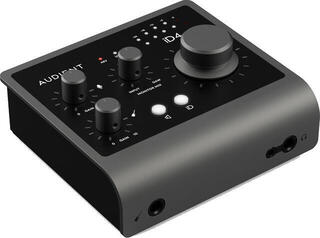
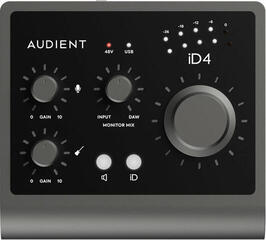
| vocals and guitar at once | a mic input and a guitar input | Scarlett Solo, iD4 MKII, UMC22 |
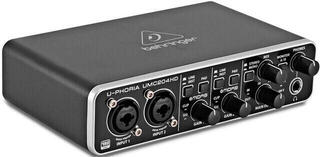
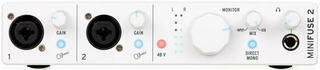
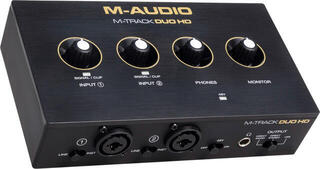
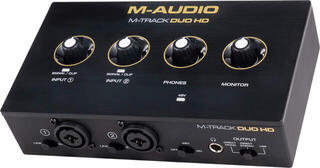
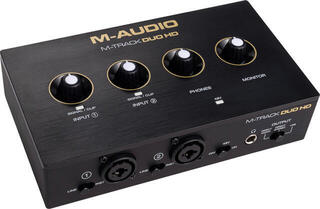
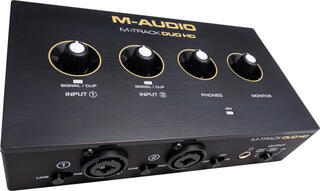
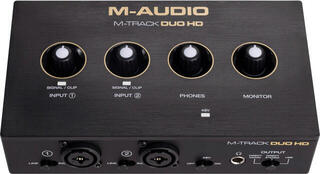
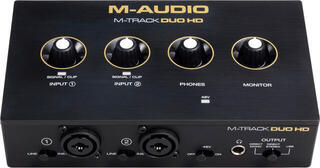
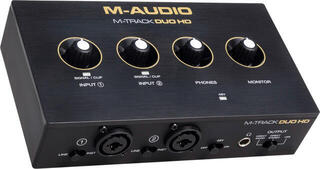
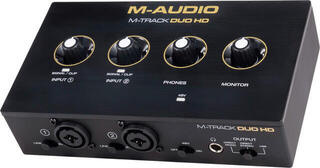
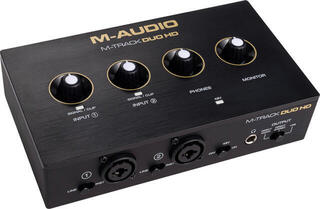
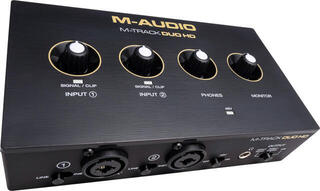
| two microphones, a podcast for two | 2 combo inputs | Scarlett 2i2, Volt 2, M-Track Duo, UMC202HD |
| drums or a small band | 4 inputs | UMC404HD |
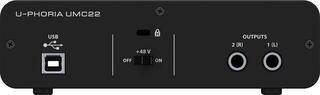
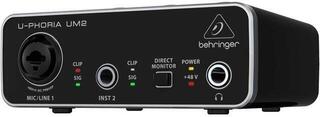
The 24 bit / 192 kHz figure on models like the Scarlett, Volt or UMC202HD is more of a reserve when you record at home. The simpler Behringer UMC22 and UM2 record at 16 bits and 48 kHz, which is easily enough for a demo, a podcast or practice.
Why does a condenser microphone need 48 V phantom power?
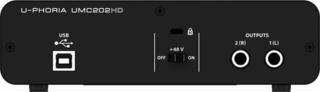
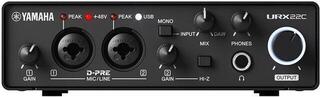
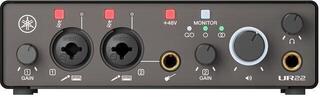
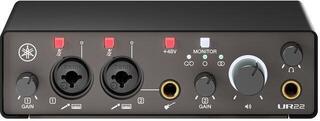
A condenser microphone has electronics inside that need a voltage of 48 V. The sound card sends it straight down the XLR microphone cable, and you switch it on with a button labelled 48V or Phantom. A dynamic microphone doesn't need power, so you can also plug it into a card without this button.
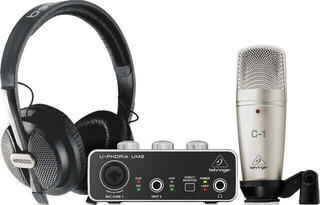
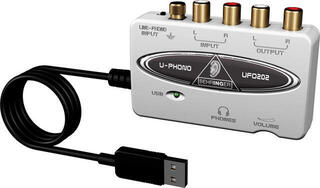
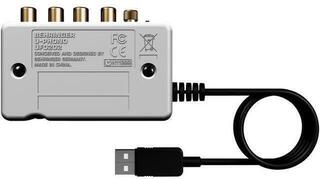
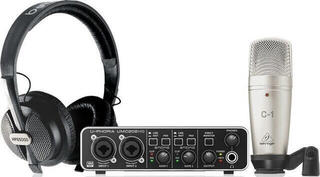
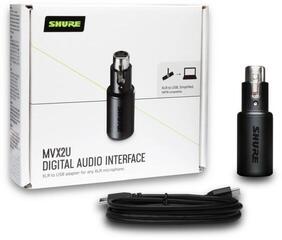
Most of the sound cards on this page have phantom power. The ones without it are mainly small interfaces for guitar and mobile phones, or converters for recording the output of a mixer to your computer. Bundles like the Behringer U-Phoria Studio include a card, a condenser microphone and headphones in one box. If you're still choosing a microphone, take a look at microphones for beginners.
How do you record without delay in your headphones?
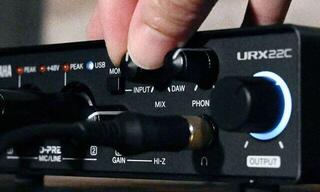
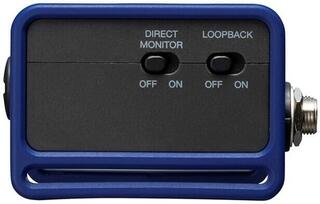
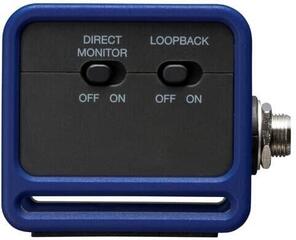
When you hear your voice only after it has passed through the computer, a small delay appears in your headphones, and it gets in the way when you sing. That's why sound cards have direct monitoring: you hear the input signal straight away, and with a button or the Mix knob you set the balance between yourself and the recording coming from the computer. Almost every card has a headphone output, so you can record in your flat in the evening too. You'll find suitable models among studio headphones for beginners.
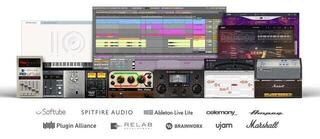
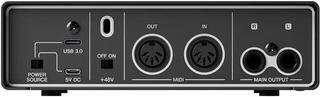
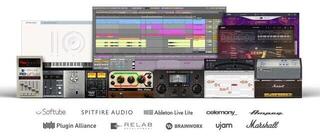
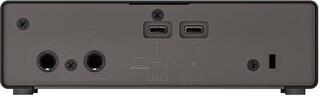
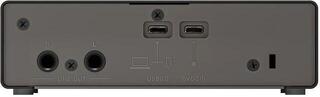
The cards connect via USB, newer ones with a USB-C connector, and work with both Windows and macOS; some can also be connected to an iPad or iPhone. Many come with recording software, for example Ableton Live Lite or Cubase AI, and the Arturia MiniFuse also comes with Analog Lab Intro, a collection of synthesizer sounds. For listening to your mix without headphones, the cards have outputs for studio monitors for beginners.