 Albania
 Argentina
 Australia
 Austria
 Belgium
 Bosnia and Herzegovina
 Brazil
 Bulgaria
 Canada
 Chile
Chile
 Colombia
 Croatia
 Czech Republic
 Denmark
 Estonia
 Finland
 France
 Germany
 Greece
 Hungary
 Ireland
 Italy
Italy
 Latvia
 Lithuania
 Luxembourg
 Mexico
 Moldova
 Montenegro
 Netherlands
 New Zealand
 North Macedonia
 Norway
 Philippines
 Poland
 Portugal
 Romania
 Serbia
 Slovakia
 Slovenia
 South Africa
 Spain
Spain
 Sweden
 Switzerland
 Turkey
 Ukraine
 United Kingdom
 United States of America



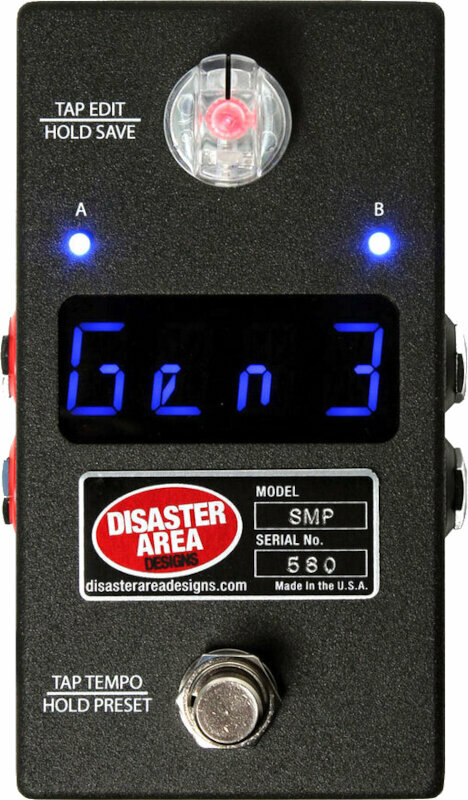
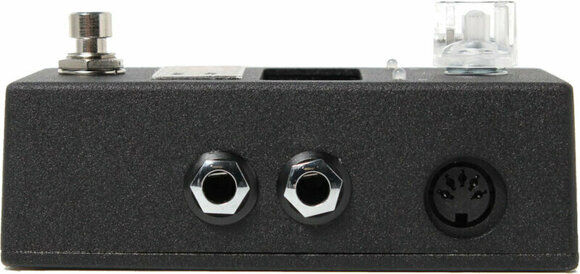
Disaster Area Designs SMARTClock MIDI Controller
Brand: Disaster Area Designs
Product code: 1065258
Brand: Disaster Area Designs
Product code: 1065258

Disaster Area Designs SMARTClock MIDI Controller
Disaster Area Designs SMARTClock MIDI Controller
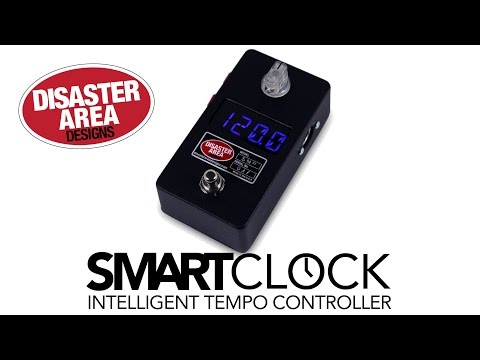
The SMARTClock Gen3 is simple to use – just tap the footswitch and all your gear will synchronize to its internal clock.
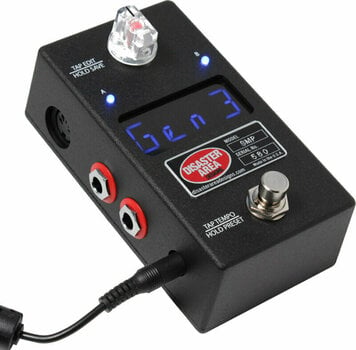
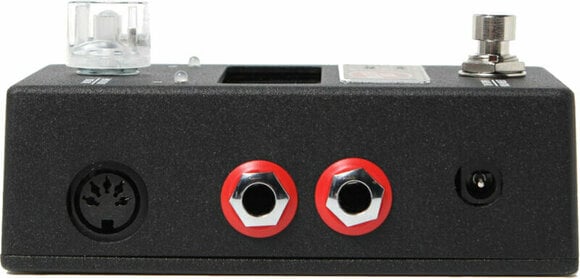
Don’t feel like tapping in the time? Spin the illuminated knob to set the tempo in 1.0 or 0.5 BPM increments for more precise adjustments. Tap the knob to view or change the subdivisions or output settings for each jack, then hold the knob to save the current settings to a preset. Hold the footswitch down to advance to the next preset. You can even set the number of accessible presets so that you only use what you need. Each tempo preset allows you to specify a tempo in BPM or milliseconds, as well as subdivisions or toggle settings for each of the 4 outputs. You can also set the SMARTClock to send a MIDI Program Change to an external MIDI device.

Package Contents
UK/EU Power supply included
No
Height (cm)
3.5
Width (cm)
12
Depth (cm)
6.6
Made in
USA


Documents
Instructions for use
Safety instructions
Please refer to the user manual for the specific safety instructions for this product.


