Albania
 Argentina
 Australia
 Austria
 Belgium
 Bosnia and Herzegovina
 Brazil
 Bulgaria
 Canada
 Chile
Chile
 Colombia
 Croatia
 Czech Republic
 Denmark
 Estonia
 Finland
 France
 Germany
 Greece
 Hungary
 Ireland
 Italy
Italy
 Latvia
 Lithuania
 Luxembourg
 Mexico
 Moldova
 Montenegro
 Netherlands
 New Zealand
 North Macedonia
 Norway
 Philippines
 Poland
 Portugal
 Romania
 Serbia
 Slovakia
 Slovenia
 South Africa
 Spain
Spain
 Sweden
 Switzerland
 Turkey
 Ukraine
 United Kingdom
 United States of America



Hi-Fi Players
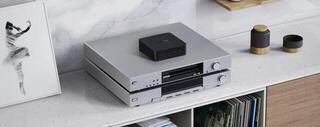
Choose a Hi‑Fi player according to the media or services you use to listen to music and how you want to connect it to your amplification. This category brings together traditional sources such as turntables and CD players with digital network, file-based and combined solutions. The individual types differ in how they are controlled, the outputs available and whether they include a converter or preamplifier section. Before choosing, therefore, check the entire signal chain from the recording source to the amplifier and speakers.
Hi‑Fi players by music source
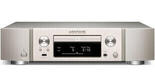
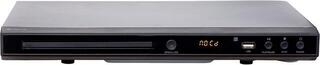
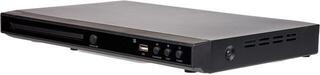
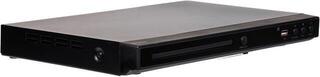
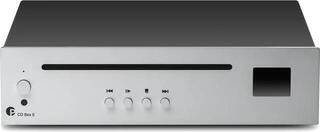
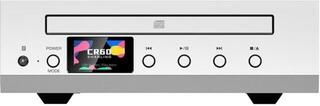
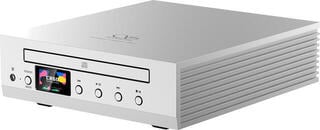
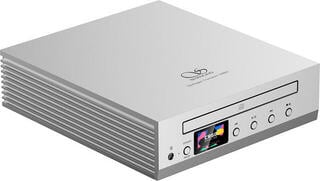
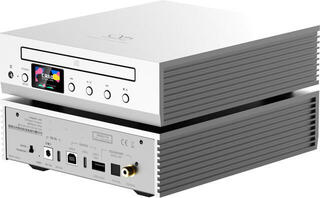
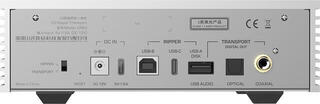
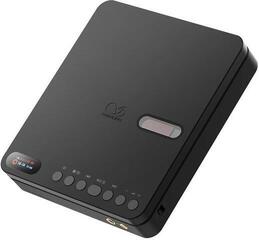
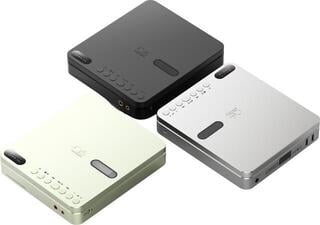
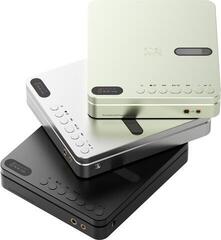
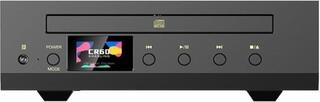
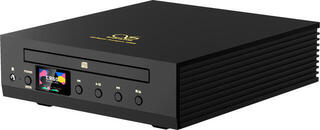
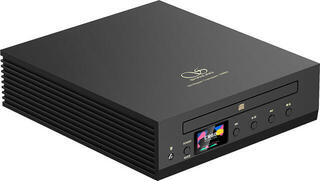
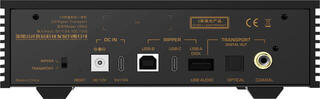
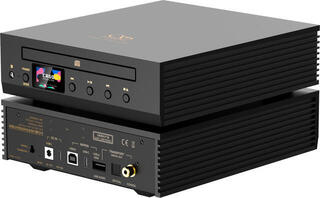
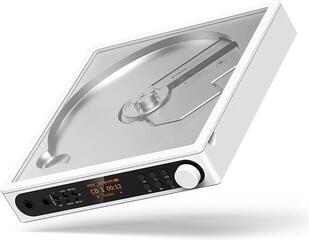
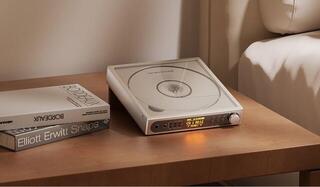
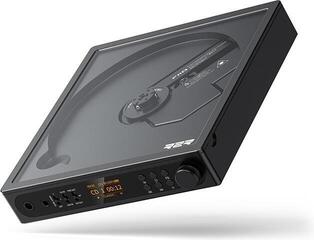
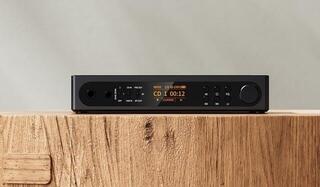
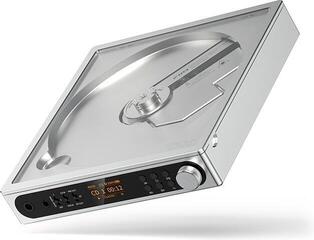
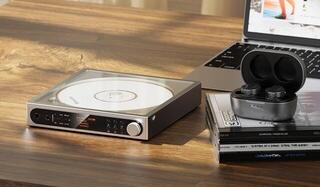
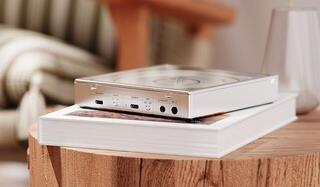
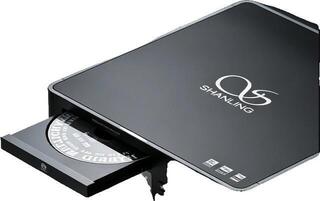
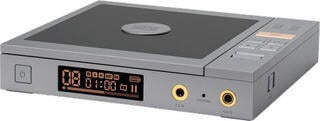
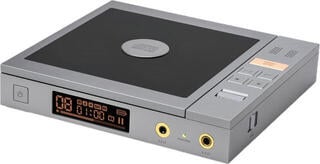
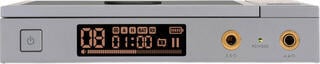
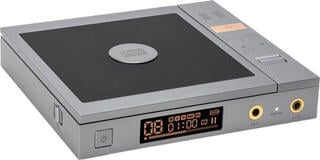
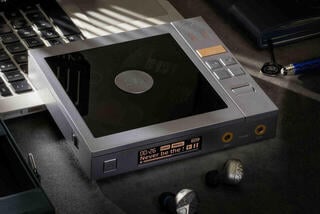
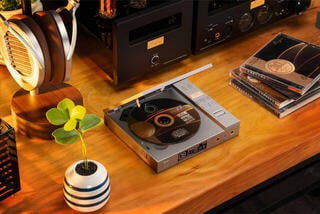
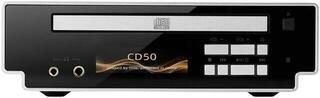
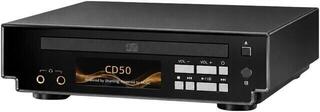
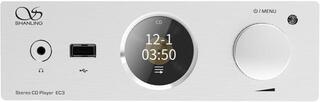
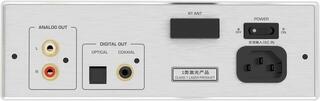
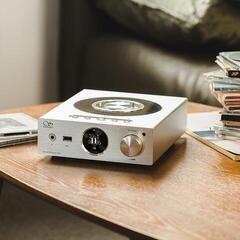
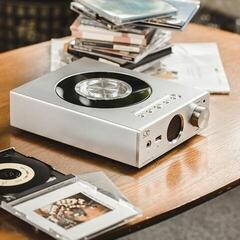
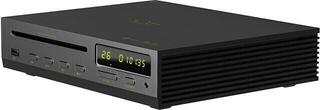
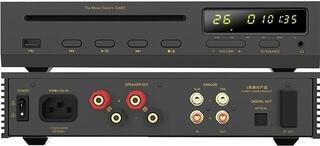
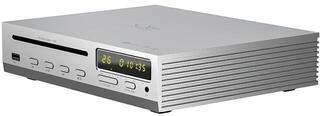
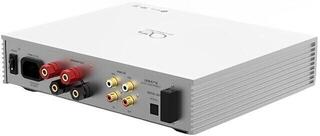
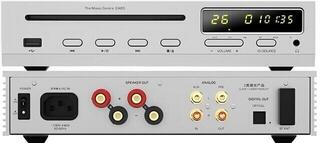
A CD player is designed to play compact discs and, depending on its particular design, may provide both analogue and digital outputs. With an analogue connection, you use the converter built into the player, while a digital cable lets you pass the signal to a compatible external converter or amplifier. If the device will mainly serve as a transport, check that the required digital output is available.
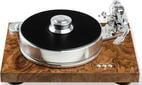
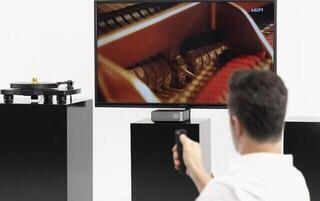
A turntable plays vinyl records using a cartridge, whose low-level signal requires a phono preamplifier suitable for the cartridge type. This may be built into the turntable or amplifier, or be a separate device. Do not confuse a phono input with a standard line input: if connected incorrectly, the signal will not be processed appropriately. When choosing a turntable, also consider its type of operation and the options for adjusting the tonearm to suit the cartridge used.
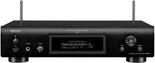
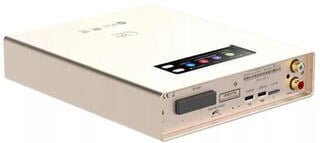
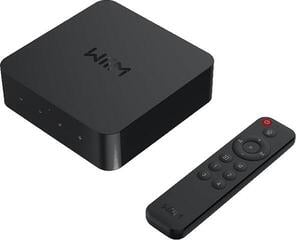
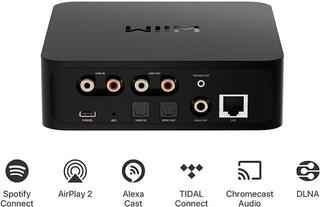
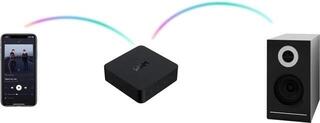
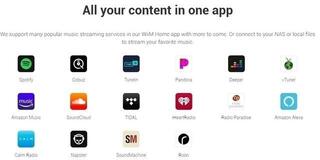
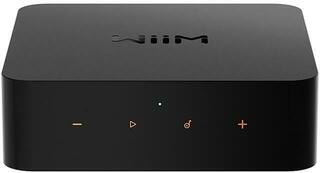
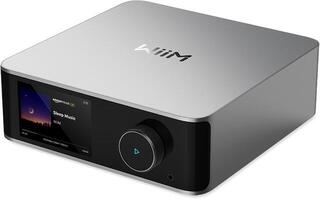
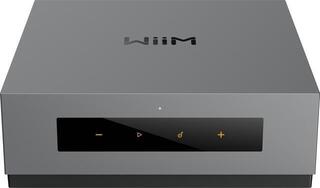
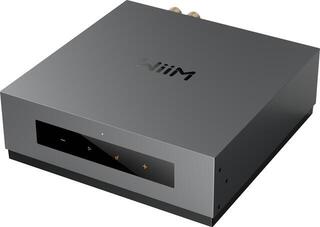
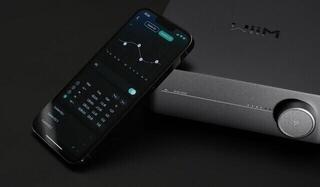
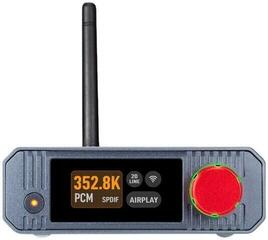
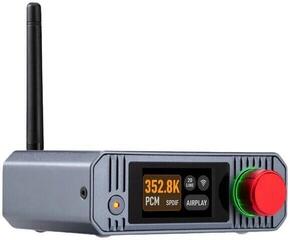
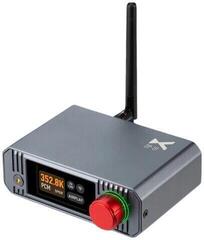
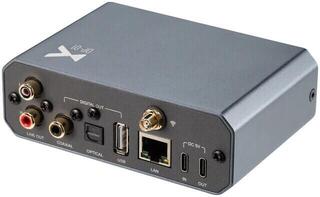
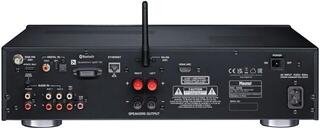
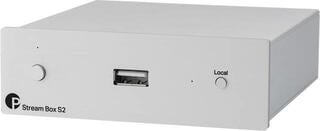
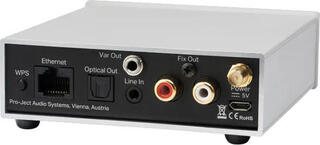
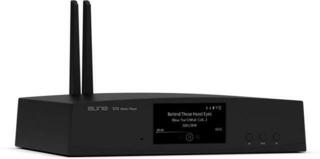
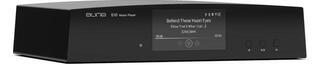
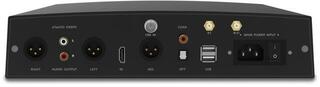
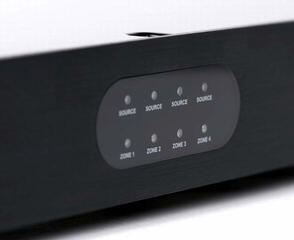
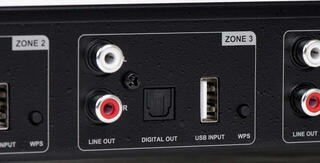
A network player obtains music from your home network, internet services or other supported digital sources. The key factors are how it connects to the network, its control app or other interface, and support for the formats you actually use. USB playback may mean reading files from storage media or connecting to a computer; these functions are not identical, so check them separately in the specifications of the particular model.
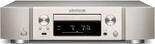
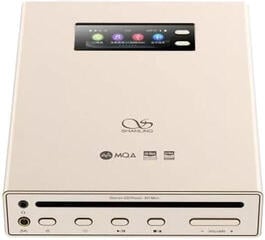
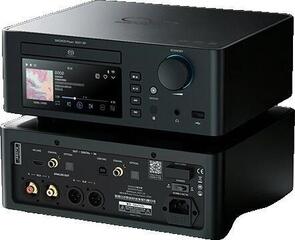
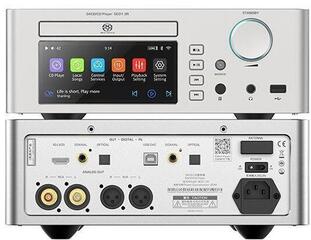
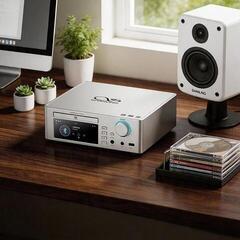
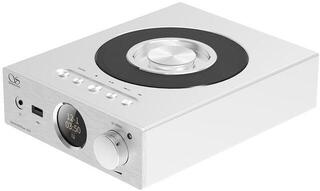
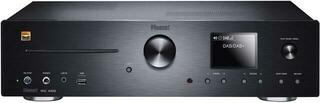
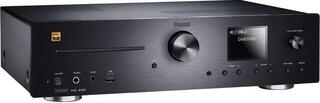
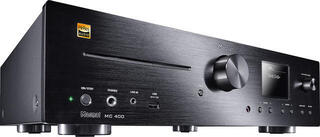
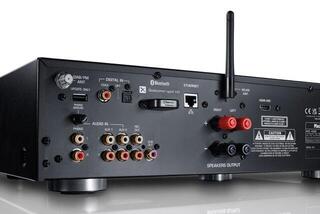
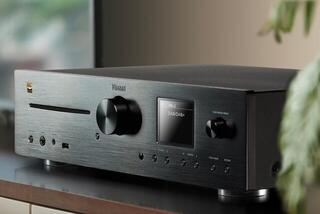
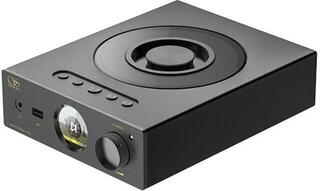
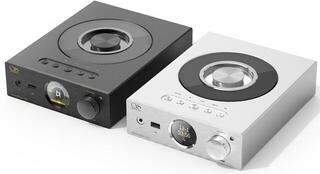
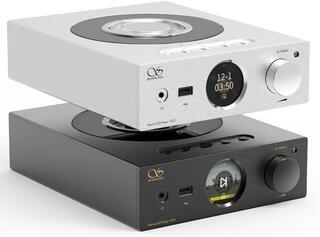
Combined players bring several sources together in one device, such as a disc drive and network functions. They can simplify a system, but you need to compare whether they include all the required inputs, outputs and control methods. If you want the source and amplification in one unit, also see Hi‑Fi systems.
Comparison of playback methods
| Source type | What it plays | Typical signal path | What to check |
|---|---|---|---|
| CD player | Audio CDs and possibly other disc formats specified by the manufacturer | Analogue output to an amplifier or digital output to a converter | Supported discs, analogue and digital outputs, controls |
| Turntable | Vinyl records of supported speeds and sizes | Cartridge, phono preamplifier, amplifier | Cartridge type, presence of a phono stage, adjustment options |
| Network player | Network libraries, supported online services and internet sources | Network, player with converter or digital output, amplifier | Network connection, services, formats, app and outputs |
| File or USB player | Files from supported storage or a connected device | Storage or computer, player or converter, amplifier | Purpose of the USB port, file system, formats and library control |
| Combined player | Several types of media and digital sources, depending on its features | Integrated sources, converter, analogue or digital output | Range of functions, independence of the individual sections and connectors |
Connecting the player to amplification
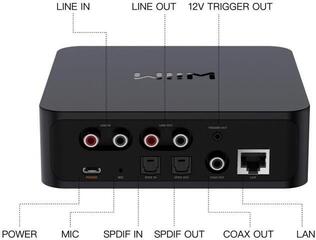
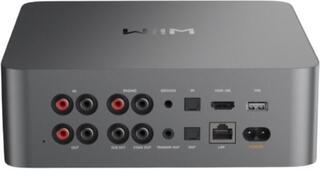
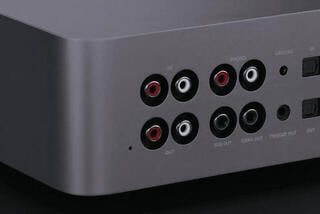
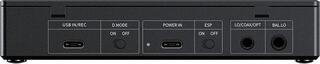
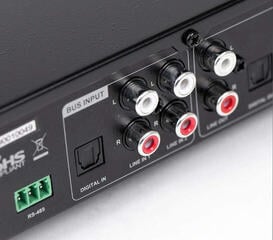
Use an analogue connection when you want digital-to-analogue conversion to take place in the player. Connect its line output to the corresponding line input on the amplifier; the exception is a turntable without its own phono preamplifier. If the player has a variable output level, before connecting it to a power amplifier check whether it can safely replace a preamplifier and how the volume is controlled.
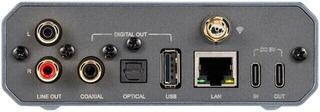
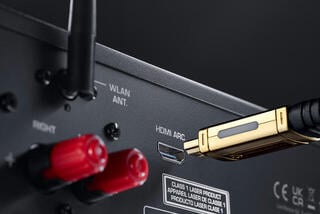
A digital connection moves signal conversion to an external DAC or to an amplifier with the appropriate digital input. Comparing only the shape of the connector is not enough, because different interfaces may have different functions and signal support. Always check that the player's output matches the input of the next device and which part of the system will control the volume.
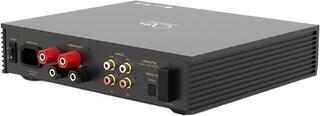
For balanced and unbalanced analogue connections, base your choice on the connectors available on both devices. The mere presence of a particular connector does not determine the internal circuitry or suitability for your system. If you are still choosing amplification, you will find relevant options in the Hi‑Fi amplifiers and preamplifiers category.
Control and system integration
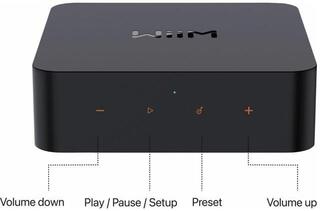
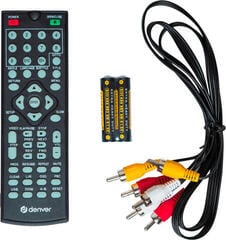
For physical media, consider whether you want to operate the device directly with buttons, by remote control or both. Network playback is often tied to an app, web interface or functions of another device, so check the supported method of managing your library and selecting music. It is also important to know whether the player can work independently or requires a phone, computer, network or user account for normal use.
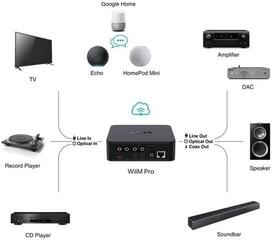
If you combine several sources, define their roles before buying. You can play a CD through the device's internal converter while also routing its digital output to a shared external DAC. Similarly, a network player can serve as a complete analogue source or only as a digital transport. This decision determines which functions you need and which ones you would otherwise pay for twice in the system.
Checklist before choosing
- List the media, files, network storage and online services you actually use.
- Check whether the player supports the required source, format and control method.
- Decide whether digital-to-analogue conversion will be handled by the player, an external DAC or the amplifier.
- Compare the player's outputs with the amplifier's inputs and choose the corresponding connection type.
- For a turntable, identify the cartridge type and where the suitable phono preamplifier is located.
- For a USB port, check whether it is intended for a computer, storage media, servicing or another function specified by the manufacturer.
- For a network model, check the connection method, supported services and control-app requirements.
- Clarify where the volume will be controlled and whether you use an integrated amplifier, a preamplifier and power-amplifier combination, or only a power amplifier.
- Check that you have a suitable free input and the required cable for every source.
- Compare separate and combined solutions according to the functions you will actually use in your system.