Albania
 Argentina
 Australia
 Austria
 Belgium
 Bosnia and Herzegovina
 Brazil
 Bulgaria
 Canada
 Chile
Chile
 Colombia
 Croatia
 Czech Republic
 Denmark
 Estonia
 Finland
 France
 Germany
 Greece
 Hungary
 Ireland
 Italy
Italy
 Latvia
 Lithuania
 Luxembourg
 Mexico
 Moldova
 Montenegro
 Netherlands
 New Zealand
 North Macedonia
 Norway
 Philippines
 Poland
 Portugal
 Romania
 Serbia
 Slovakia
 Slovenia
 South Africa
 Spain
Spain
 Sweden
 Switzerland
 Turkey
 Ukraine
 United Kingdom
 United States of America



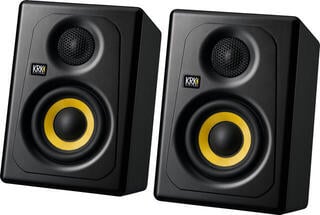
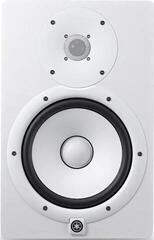
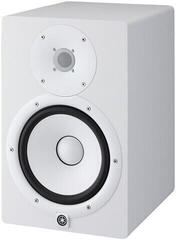
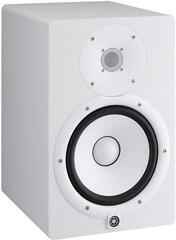
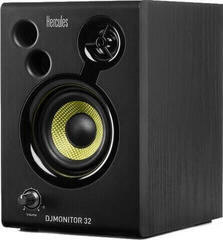
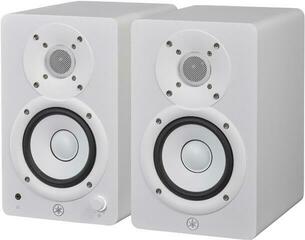
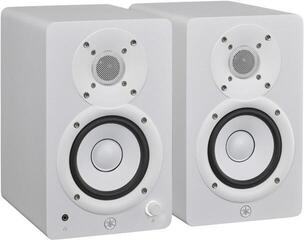
Studio Monitors
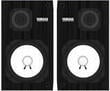
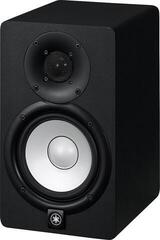
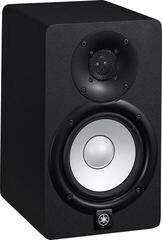
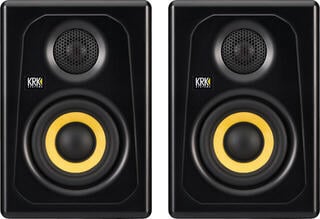
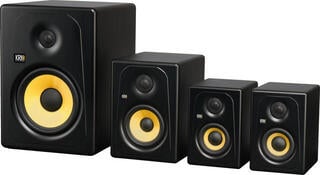
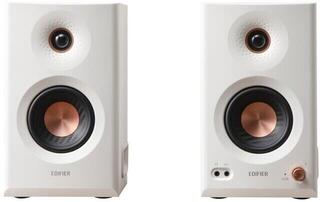
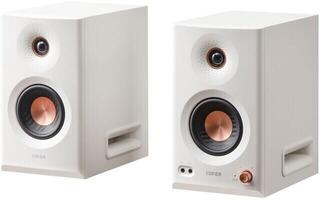
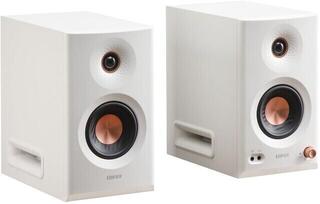
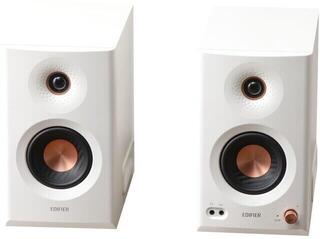
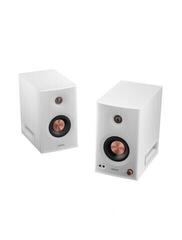
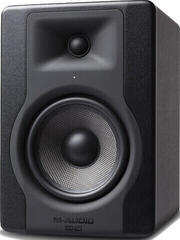
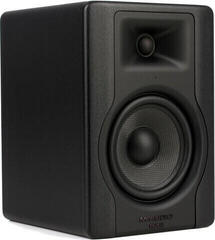
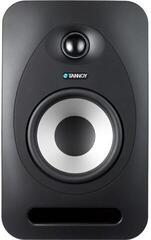
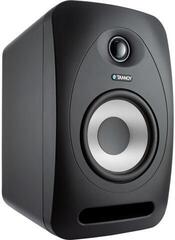
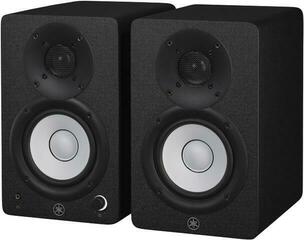
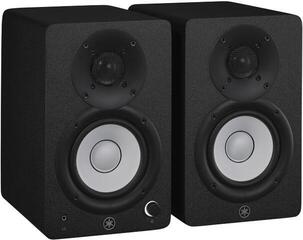
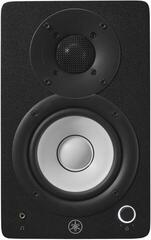
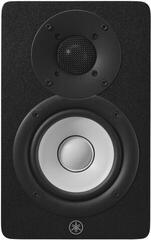
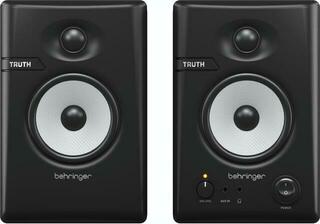
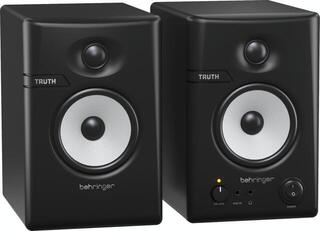
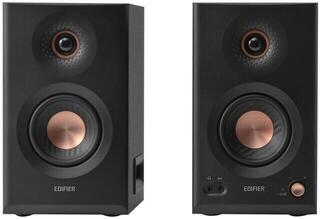
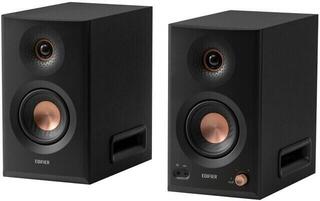
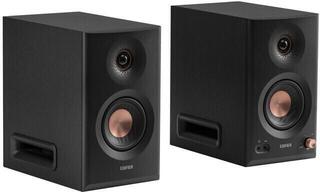
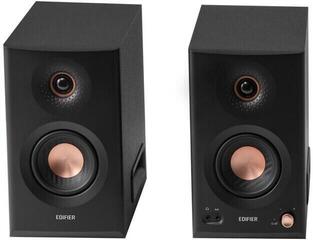
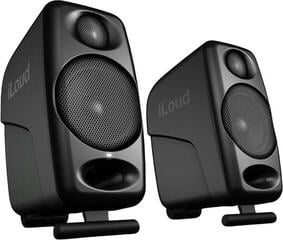
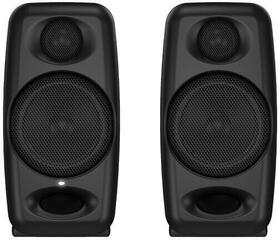
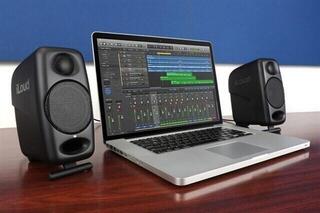
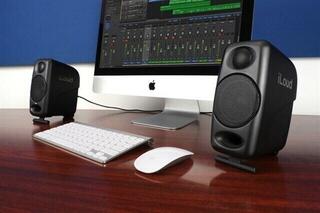
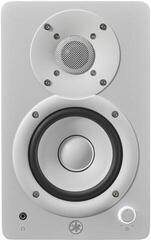
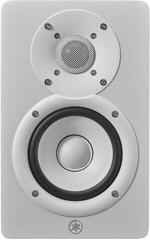
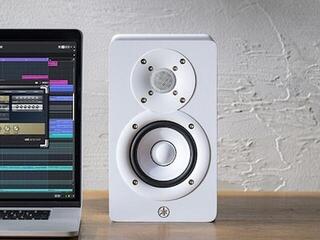
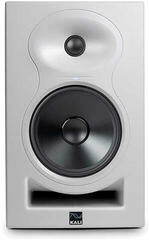
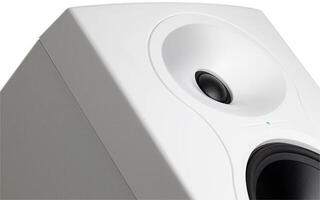
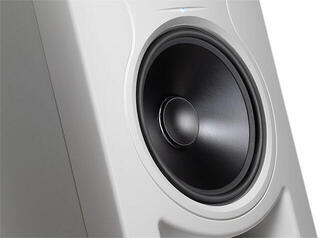
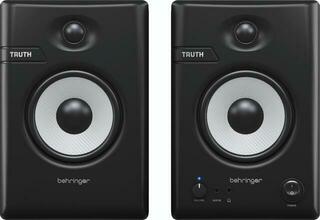
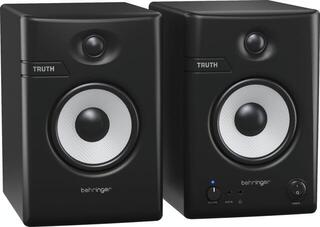
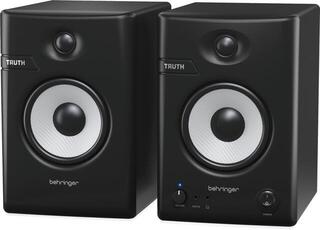
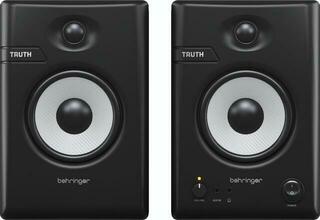
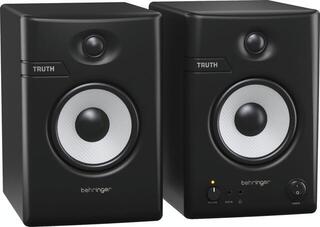
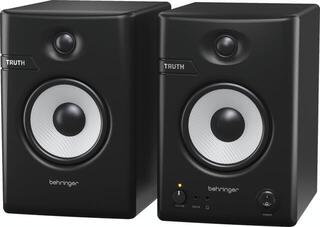
Studio monitors are speakers intended for checking recordings, editing, mixing and music production. Unlike ordinary home speaker systems, they aim for the clearest possible and less flattering sound so you can catch errors, balances and small processing changes. A small pair suits a desk and nearfield listening, while a larger setup needs more distance as well as well-managed room acoustics. Before choosing, measure your workspace and listening distance, then check your audio interface outputs.
Active, passive and bass extension
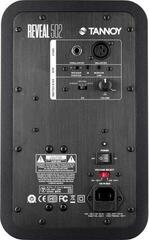
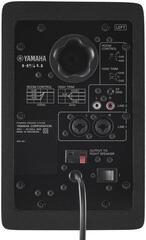
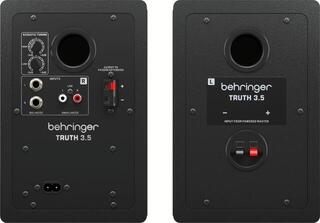
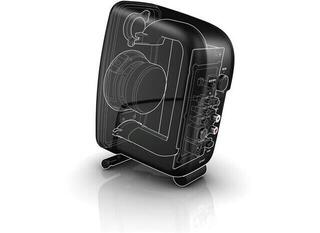
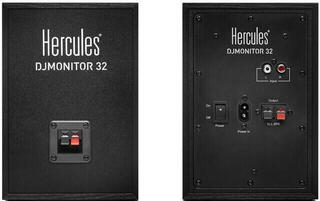
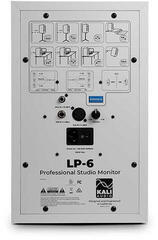
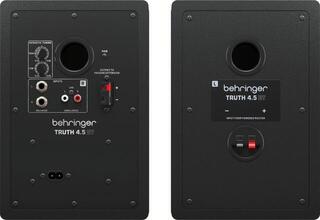
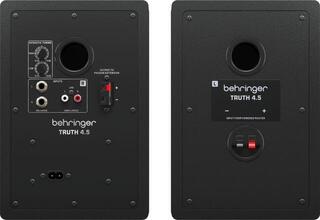
An active monitor contains an amplifier matched to its drivers, making it the simplest choice for most home and project studios. Each unit needs power and a signal from an audio interface or monitor controller. Some models offer position corrections, input sensitivity or automatic standby. Check the connectors and whether the price or package applies to one unit or a pair.
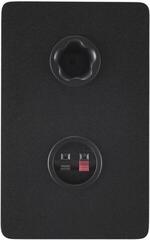
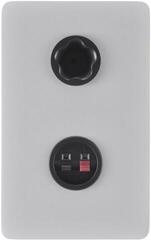
A passive monitor needs an external amplifier and speaker cables. It lets you separate amplification from the speaker system, but power and impedance matching must be correct. A studio subwoofer adds low frequencies and can relieve the main monitors, but it also adds crossover frequency, level, polarity and sensitive room placement.
| Solution | Best suited to | Required equipment | Main check |
|---|---|---|---|
| Active studio monitors | Home and project studio, typical nearfield listening | Signal cables and power for each unit | Inputs, volume control and correction settings |
| Passive monitors | A setup with a suitable separate amplifier | Power amplifier and speaker cables | Impedance, sensitivity and safe load |
| Subwoofer | Checking deeper bass and a system with frequency division | Appropriate signal routing and a place in the room | Crossover frequency, phase or polarity and level |
Match driver size to the room
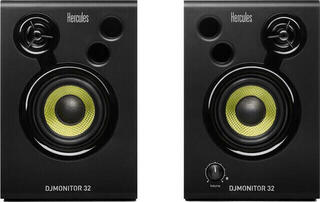
Smaller monitors with a woofer of around 3,5 to 5 inches are often practical on a desk in a small room. A larger 8-inch model can play lower and with more headroom, but in a cramped space it will reveal bass-resonance problems more readily and requires more room. Diameter alone does not tell you how low and loud a particular monitor plays. Compare frequency range, recommended distance and cabinet dimensions.
Higher volume is not the main goal when mixing. Work most of the time at a level that does not tire your ears and lets you talk without shouting. A brief check at low volume reveals the balance of vocals and key elements; use louder checks sparingly. If a monitor is constantly playing at its limit during normal work, it signals unsuitable size or distance.
Two or three ways
A two-way monitor divides sound between a woofer-midrange driver and a tweeter. It is a common solution that also fits on a desk. A three-way design adds a separate midrange driver, so it handles crossover areas and important mids differently; at the same time, it can be larger, heavier and more demanding in terms of proper distance. The number of ways alone does not guarantee a more accurate mix.
If you are specifically looking for a separate midrange band, you can compare 3-way active studio monitors. Always consider the room and placement method, however. In a small untreated room, a properly positioned smaller two-way pair can provide more reliable decision-making than a large setup pushed close to the walls.
The triangle is only the start of setup
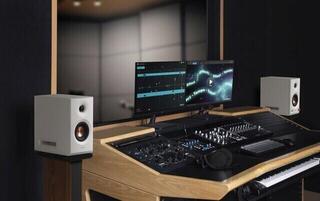
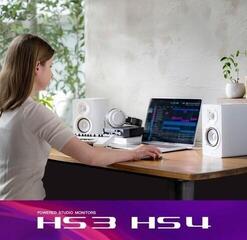
The left monitor, right monitor and your head should form an approximately equilateral triangle. Set the tweeters at ear height or along the axis recommended by the manufacturer, and toe both units in equally. Keep the centre of the setup on the room axis so side reflections arrive similarly. Fine-tune the exact distance from walls according to the manual and measurements; there is no universal value.
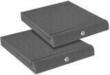
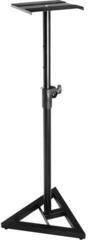
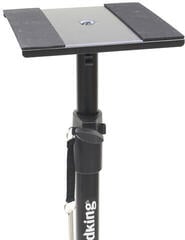
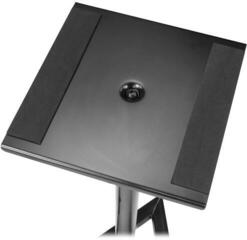
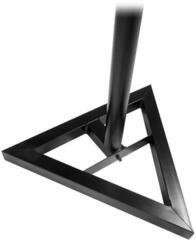
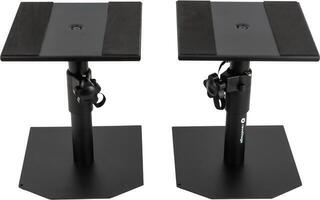
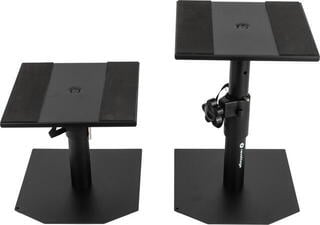
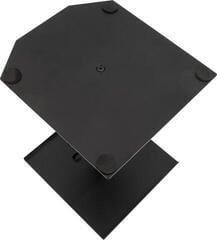
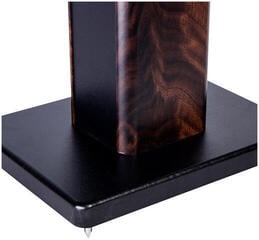
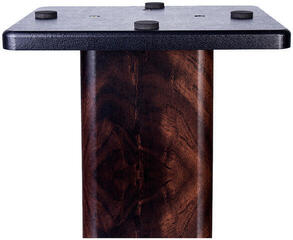
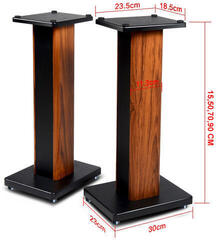
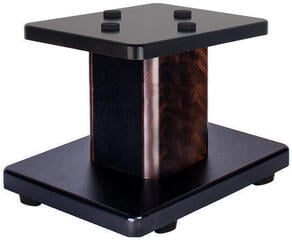
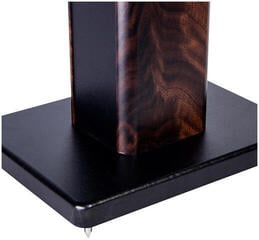
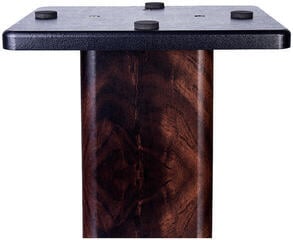
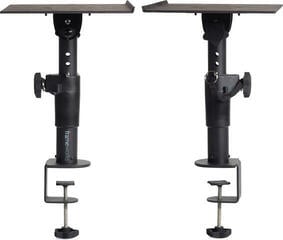
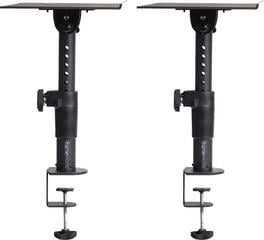
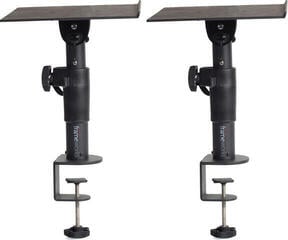
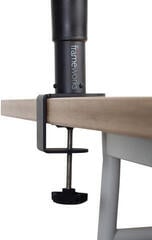
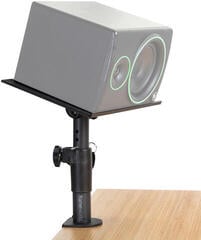
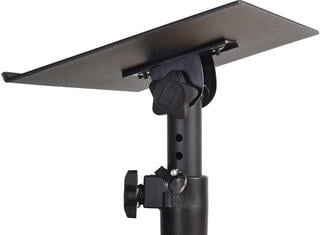
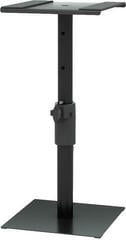
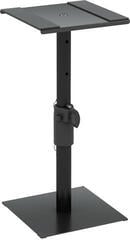
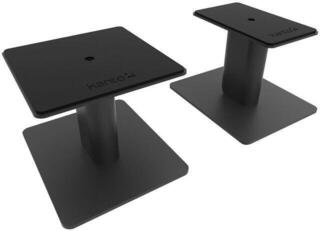
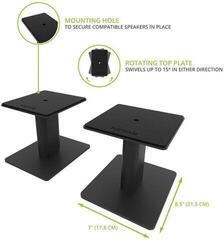
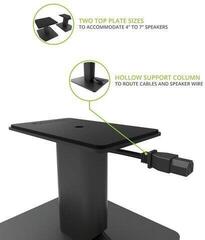
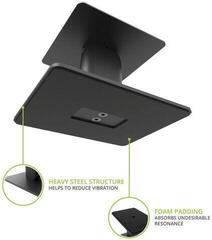
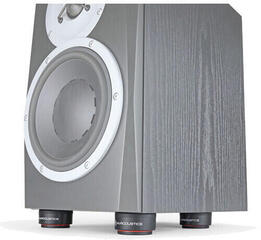
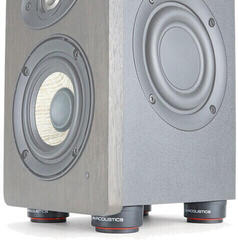
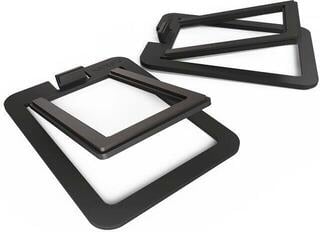
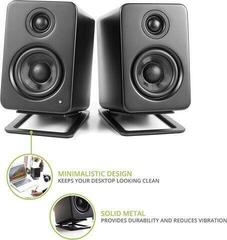
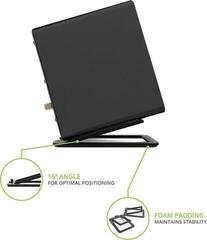
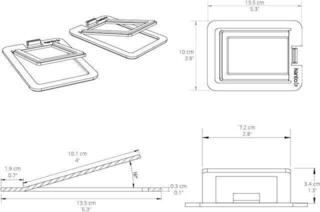
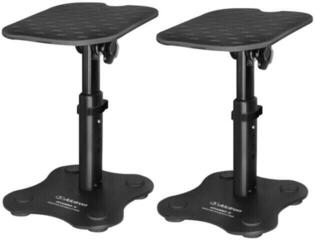
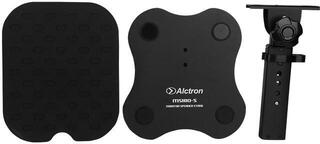
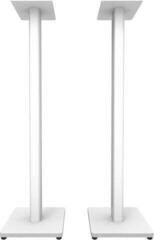
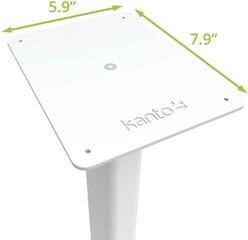
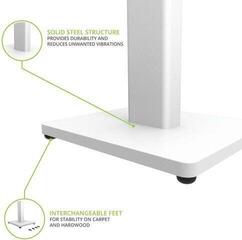
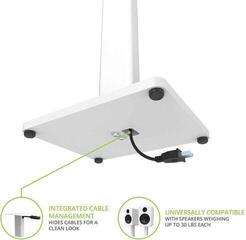
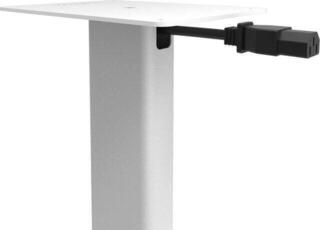
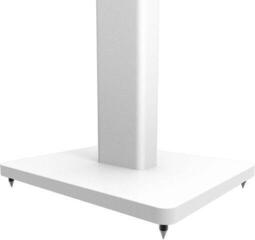
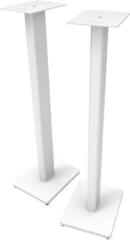
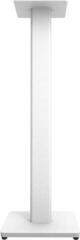
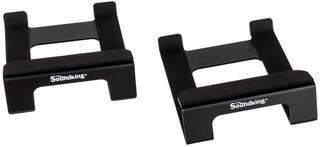
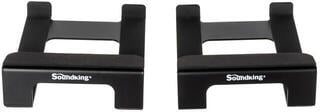
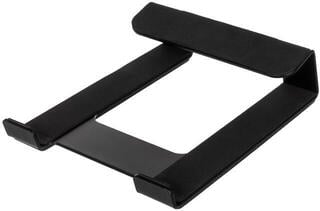
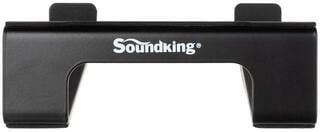
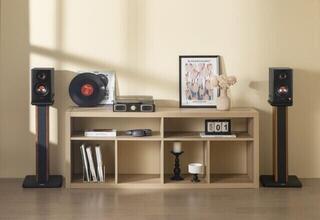
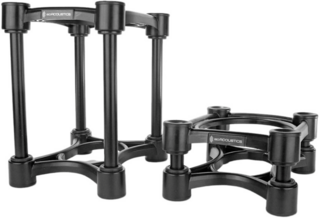
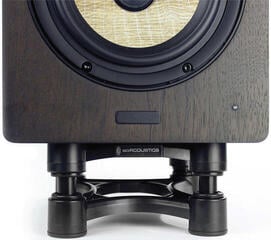
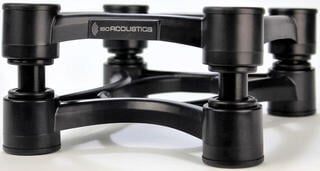
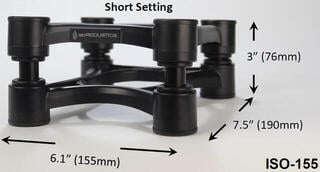
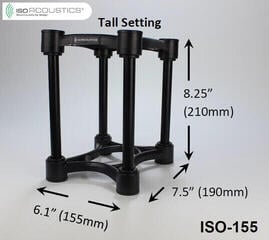
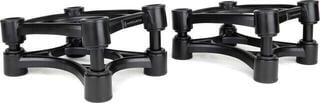
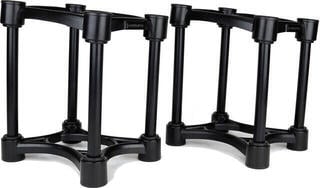
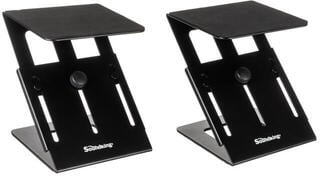
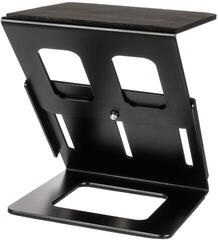
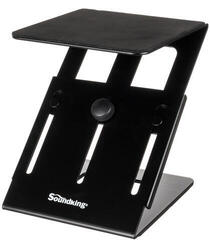
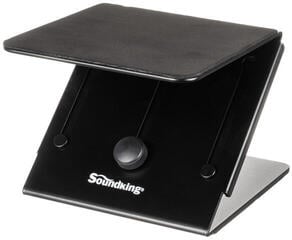
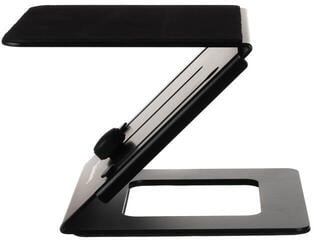
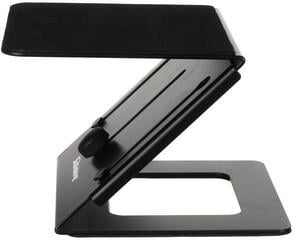
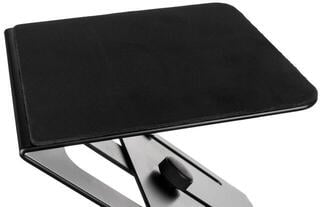
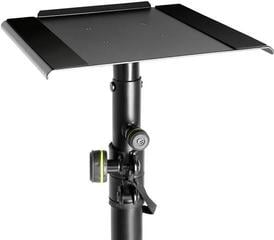
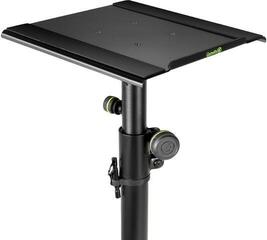
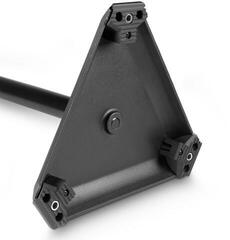
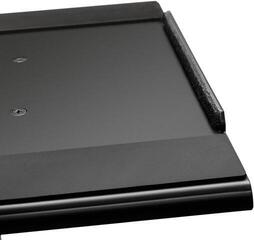
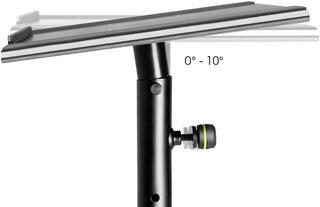
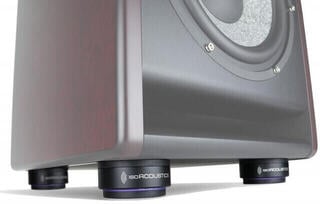
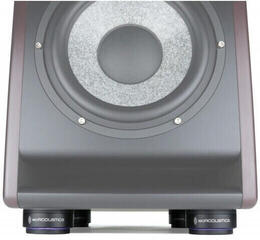
Do not place monitors directly on a light hollow board without checking vibrations. Sturdy studio monitor stands free up desk space and help set the height. If stands are not possible, use suitable pads for studio monitors; they reduce mechanical transmission and adjust the tilt, but they will not solve desk reflections or room resonances.
Acoustics affect what you hear
Reflections from side walls, the desk and ceiling alter the stereo image and frequency response. Low frequencies create areas in the room with both excess and lack of bass, so a mix made in one of them may not translate elsewhere. First try the monitor and workstation positions, then add targeted studio acoustic elements. Thin foam on every wall is not a solution for deep bass.
Quick room check
- Place both monitors symmetrically and remove objects that obstruct the drivers or bass reflex port.
- Play a familiar recording and walk along the room axis. Notice spots where bass becomes noticeably stronger or disappears.
- Move the workstation or monitors in small steps and compare at the same volume.
- Check the first reflections and only then choose panels, bass traps or diffusion.
- After the adjustment, repeat listening or measurement; do not judge the change only by how the room looks.
Inputs, cables and volume control
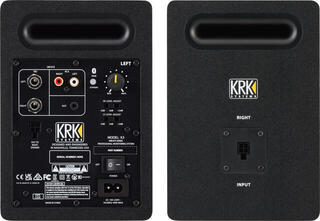
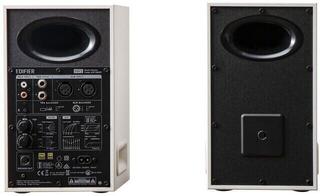
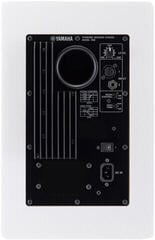
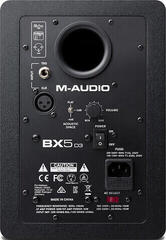
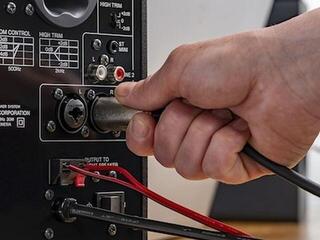
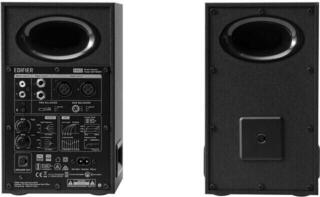
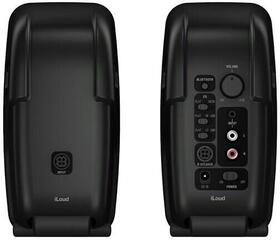
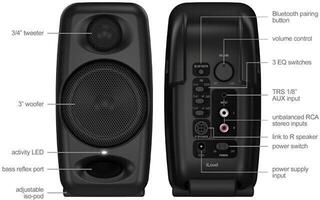
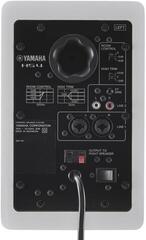
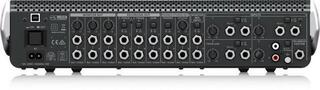
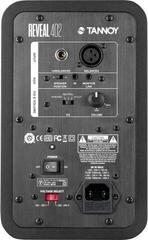
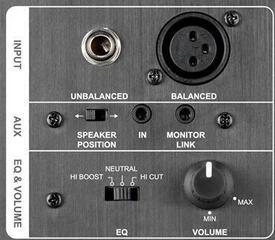
Professional interfaces and monitors often use balanced XLR or TRS connections, which resist interference along the run better. Some desktop models add unbalanced RCA. Choose a cable according to the audio interface output and monitor input, not the shape you happen to have at hand. Run the left and right channels the same way and label them.
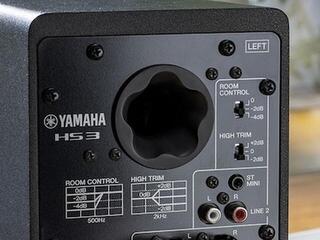
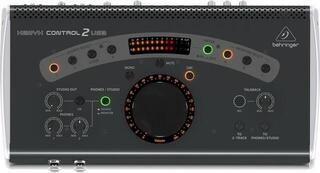
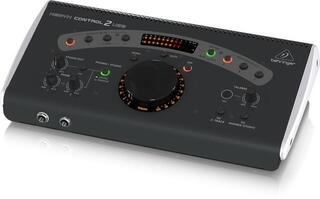
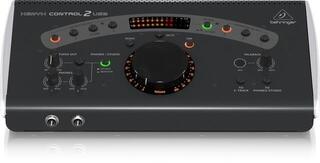
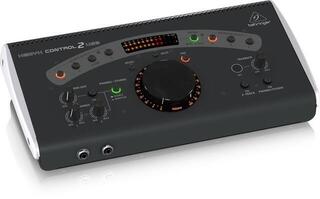
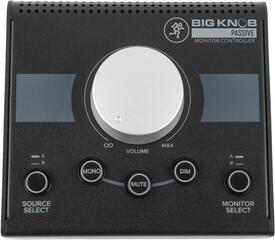
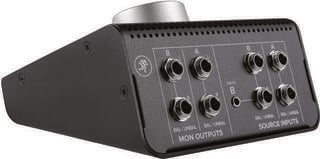
You can control volume on the audio interface, a separate controller or the monitor. If you set each unit on the rear, set both equally and make routine changes with one shared control. Turn monitors down before connecting or switching off a source; this prevents loud bangs. Use rear-panel corrections to adapt to placement, not to randomly “improve” every recording.
Working reference versus home listening
A home speaker system may be tuned for pleasant listening, for example with more pronounced bass or treble. A studio monitor should serve as a working reference and reveal problems that need to be resolved in the mix. It is not perfectly neutral either, however, and its sound will always be affected by the room. Get to know your setup using recordings whose details you know well.
Check the finished mix on headphones, a small speaker, an ordinary home system and at low volume. The goal is not for it to sound identical everywhere. Look for whether vocals, the main rhythm and bass balance remain clear. If you repeatedly make the same mistake, first check placement and acoustics. Replace the monitor only afterwards.
One unit or a pair
For stereo work, you need two identical monitors. Products may be sold individually or as a pair, so check the package contents. Matching settings on the left and right sides are essential for panning. One unit makes sense as a mono check, the centre channel of a multichannel setup or a replacement for an exactly matching model.
Choose according to workflow
- Beginner home studio: Prioritise suitable size and easy control, and keep money aside for stands or basic treatment too.
- Electronic music: Check the low-frequency range, but do not automatically choose the largest driver; the room must be able to handle the result.
- Podcast and voice editing: Clear mids and low noise at a normal working distance are important.
- Mobile setup: Consider dimensions, transport protection and available power without sacrificing stable placement.
- Multiple monitor pairs: Safe shared control and comparable volume when switching are needed.
Measure and draw before buying
Measure desk width, distance to your ears, stand height and free space behind the cabinet. Note your audio interface connectors, required cable length and number of sockets. Check the dimensions, weight, package contents and recommended orientation of the specific monitor. Such a sketch quickly shows space and cable limitations. You will then not expect the monitor to fix a poor room or an unbalanced mix.