Albania
 Argentina
 Australia
 Austria
 Belgium
 Bosnia and Herzegovina
 Brazil
 Bulgaria
 Canada
 Chile
 Colombia
 Croatia
 Czech Republic
 Denmark
 Estonia
 Finland
 France
 Germany
 Greece
 Hungary
 Ireland
 Italy
 Latvia
 Lithuania
 Luxembourg
 Mexico
 Moldova
 Montenegro
 Netherlands
 New Zealand
 North Macedonia
 Norway
 Philippines
 Poland
 Portugal
 Romania
 Serbia
 Slovakia
 Slovenia
 South Africa
 Spain
 Sweden
 Switzerland
 Turkey
 Ukraine
 United Kingdom
 United States of America


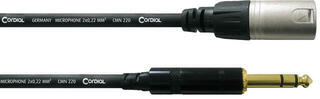
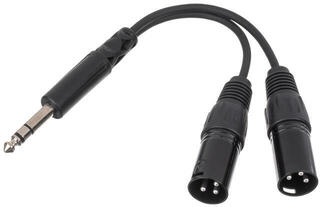
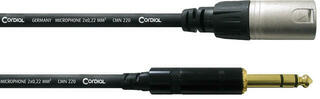
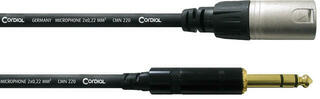
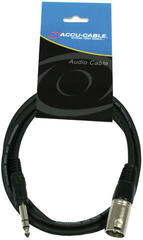
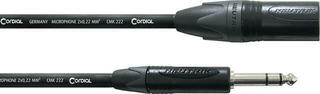
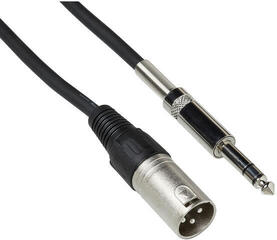
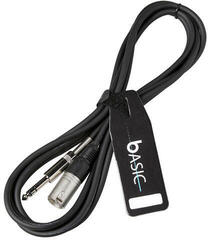
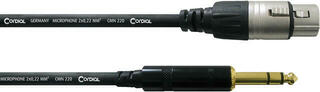
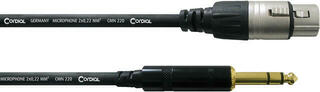
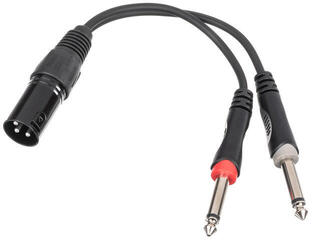
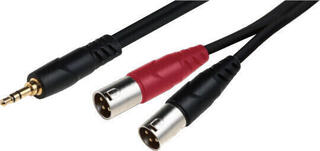
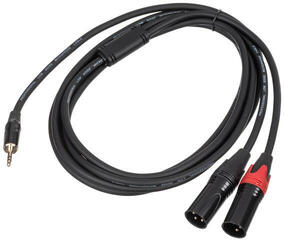
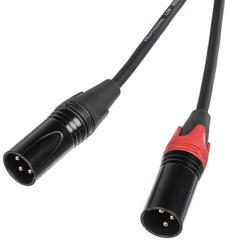
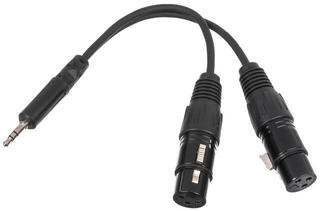
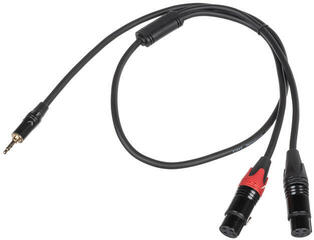
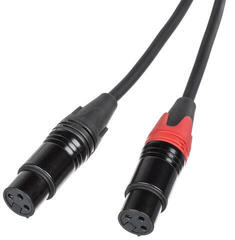
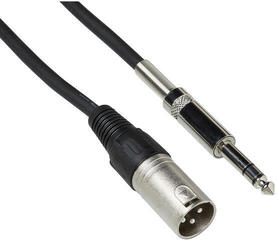
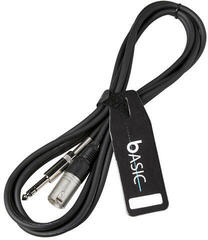
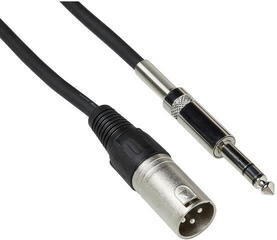
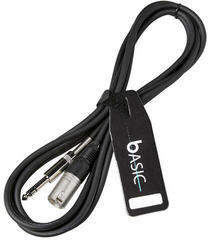
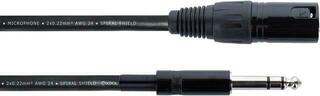
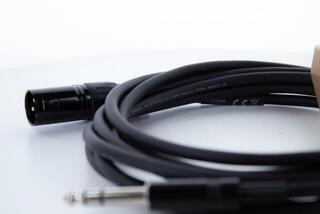
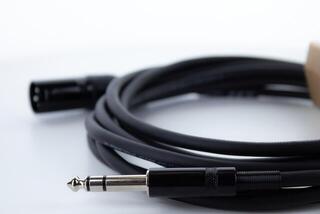
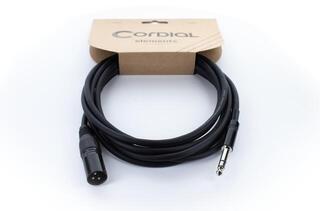
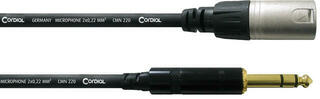
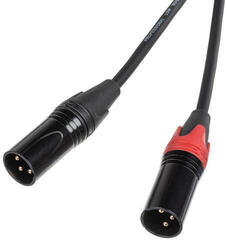
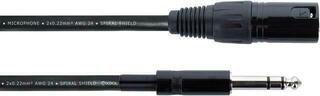
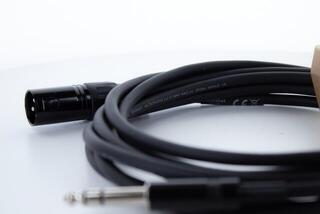
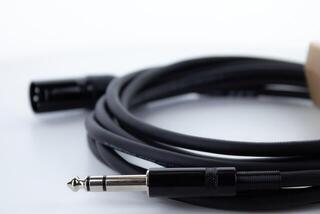
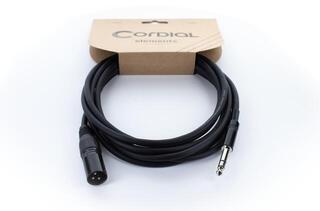
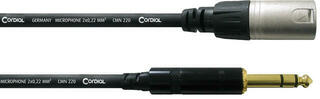
XLR-Jack Cable
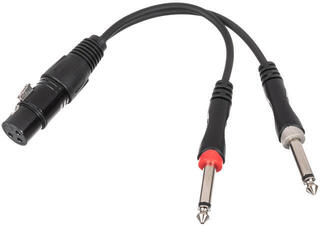
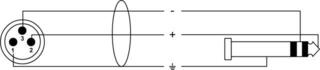
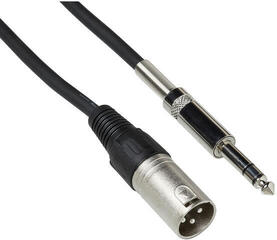
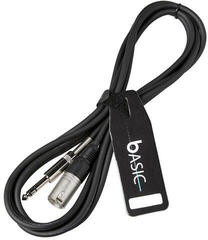
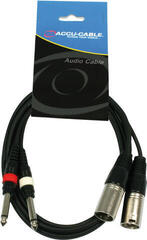
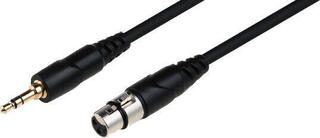
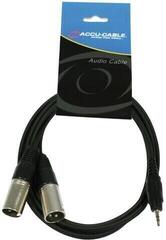
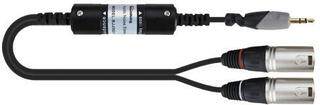
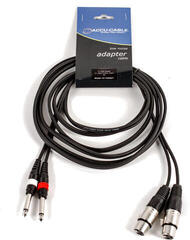
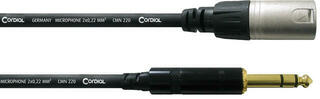
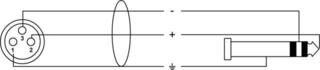
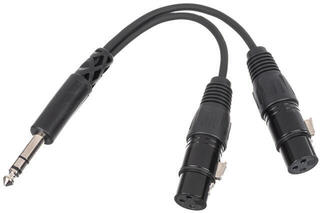
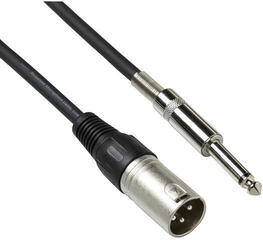
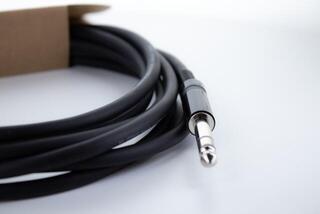
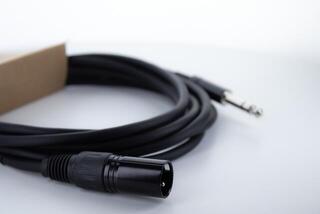
An XLR-jack cable connects a device with an XLR connector to one that has a jack. Typically that means an audio interface, keyboard or mixer with 6.3 mm jack outputs on one side and active monitors or PA speakers with XLR inputs on the other. You can choose male or female XLR, a stereo or mono 6.3 mm jack, and cables with a 3.5 mm jack for a phone, laptop or camera. The range is made up of cables from Cordial, Sommer Cable, Bespeco, Roland, Soundking and other brands.
Should your XLR to jack cable have a stereo or a mono jack?
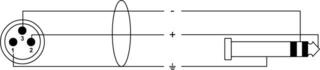
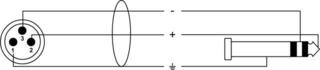
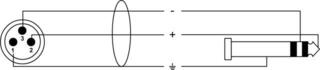
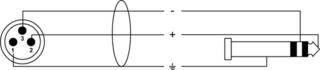
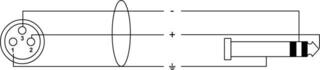
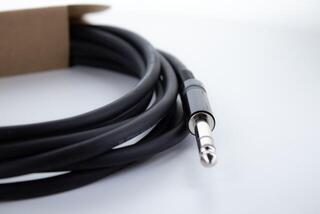
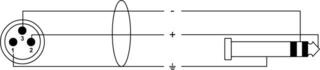
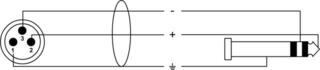
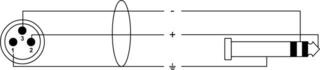
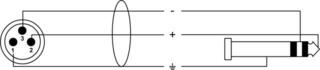
A stereo jack (TRS) has two insulating rings on the plug and, paired with XLR, makes a balanced connection that resists interference just as well as an XLR to XLR cable. Use it between the balanced output of an audio interface and the XLR input on a monitor. A mono jack (TS), with a single ring, is unbalanced. It belongs with gear that has no balanced output, such as older keyboards or effects units.
Male or female on the XLR end?
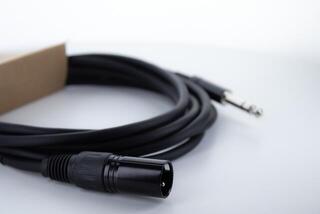
It comes down to which way the signal travels. A male XLR goes into an input – an active monitor, a PA speaker or a mixer – so a male XLR to jack cable carries the signal from the jack into the XLR. A female XLR connects to an output, meaning a microphone or a mixer's main output, and the jack at the other end plugs into an audio interface or an amplifier.
How do you get sound from a phone or laptop into a mixer?
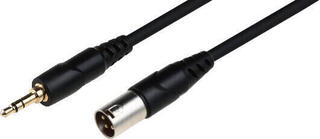
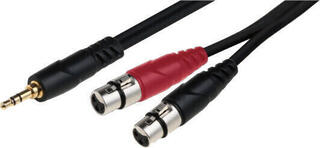
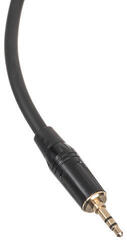
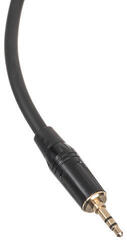
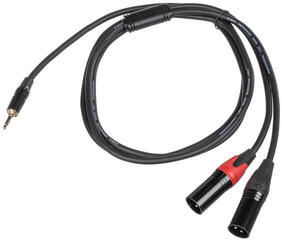
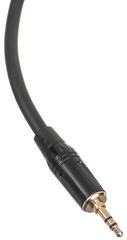
That's exactly what 3.5 mm stereo jack to male XLR cables are for: the small jack goes into the headphone output and the XLR into an input on the mixer or an active speaker. Music from your phone can then play through the PA at a talk or a party, for instance. To link two devices that both have 6.3 mm stereo jacks, use TRS cables; for XLR at both ends, head over to XLR Cables.