 Albania
 Argentina
 Australia
 Austria
 Belgium
 Bosnia and Herzegovina
 Brazil
 Bulgaria
 Canada
 Chile
Chile
 Colombia
 Croatia
 Czech Republic
 Denmark
 Estonia
 Finland
 France
 Germany
 Greece
 Hungary
 Ireland
 Italy
Italy
 Latvia
 Lithuania
 Luxembourg
 Mexico
 Moldova
 Montenegro
 Netherlands
 New Zealand
 North Macedonia
 Norway
 Philippines
 Poland
 Portugal
 Romania
 Serbia
 Slovakia
 Slovenia
 South Africa
 Spain
Spain
 Sweden
 Switzerland
 Turkey
 Ukraine
 United Kingdom
 United States of America



How to Choose a DJ Controller
Excited about DJing but not sure where to start? In this guide we cover everything about choosing your first DJ controller – from the differences between device types to specific model recommendations.
Controller, CDJ or Standalone? Know the Difference Before You Spend
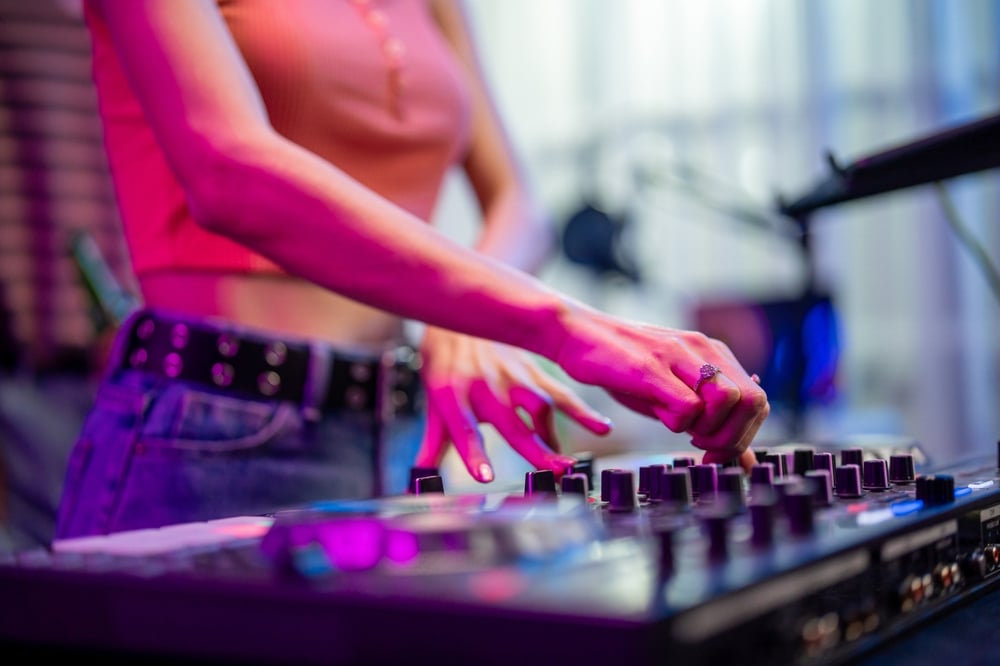
A DJ controller is a device connected to your computer via USB. It doesn't work without a laptop – but that's exactly what makes it cheaper, lighter, and ideal for beginners. You use it to control DJ software that plays the music, with the entire signal chain running through its built-in sound card.
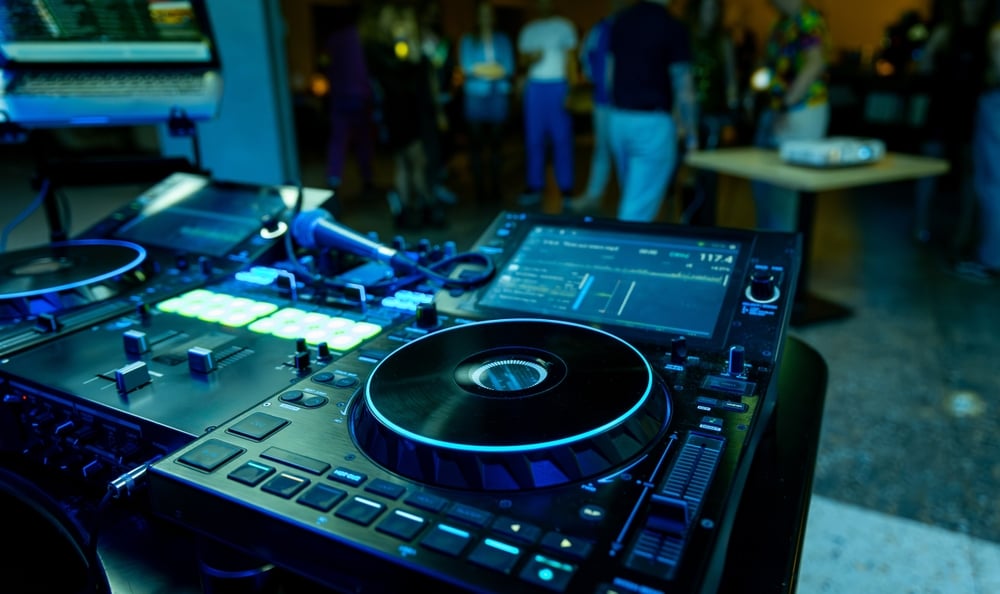
A standalone controller (such as the Denon SC Live 2) works without a computer. It has its own screen, built-in media player and mixer. It's a professional solution for stages and bigger events – priced accordingly.
CDJ + mixer is the classic club setup. Every decibel in a professional club goes through standalone CDJ players and a DJ mixer. You'll get there eventually. Build the basics first.
A standalone controller (such as the Denon SC Live 2) works without a computer. It has its own screen, built-in media player and mixer. It's a professional solution for stages and bigger events – priced accordingly.
CDJ + mixer is the classic club setup. Every decibel in a professional club goes through standalone CDJ players and a DJ mixer. You'll get there eventually. Build the basics first.
What Kind of Controller Do You Need?
2-Channel or 4-Channel?
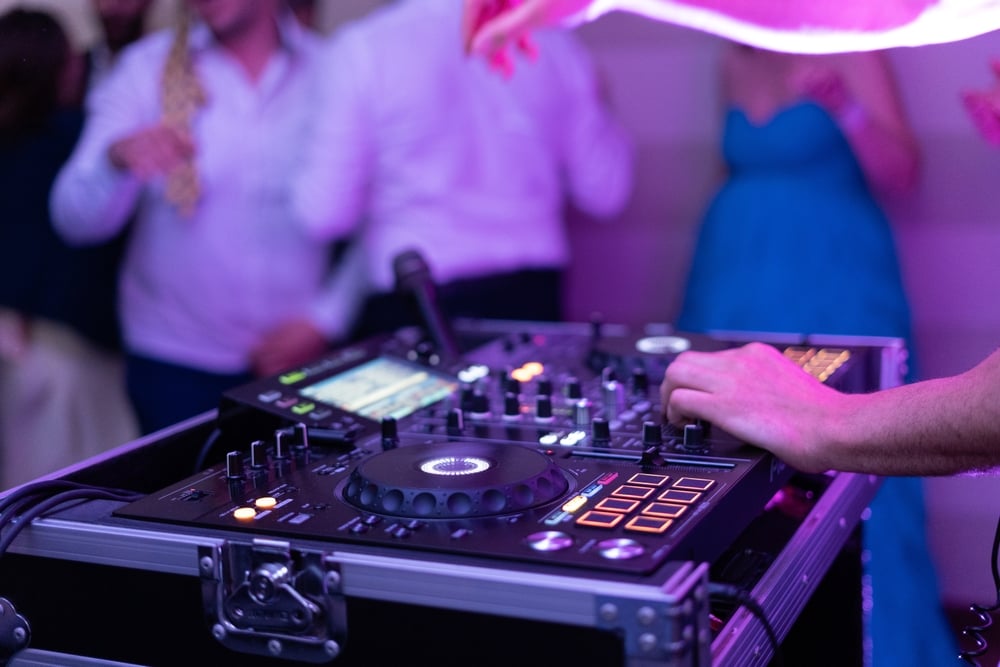
Most entry-level controllers have 2 channels – you mix two tracks at a time. For learning, that's all you need. A 4-channel controller gives you more room. You can layer four tracks, switch between multiple sources, or play more complex sets. As a beginner you'll have room to grow, but also more knobs that might confuse you at the start.
Compact or Full-Size Desktop?
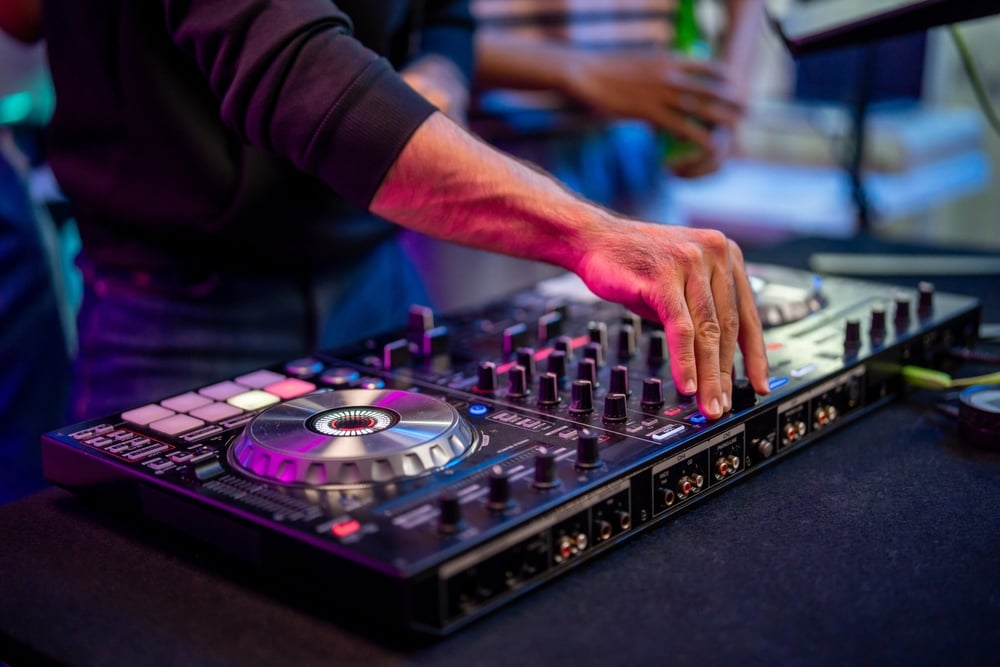
Compact controllers are lightweight, fit in a backpack and are budget-friendly. Perfect for learning at home or occasional gigs. The Numark Party Mix and Hercules DJControl Inpulse 200 MK2 are classic examples.
Full-size controllers have larger jog wheels, more pads, better faders and a playing feel closer to real CDJs. The Hercules DJControl Inpulse T7 with motorised jog wheels and the Reloop Mixon 8 Pro for those thinking ahead are excellent examples.
Full-size controllers have larger jog wheels, more pads, better faders and a playing feel closer to real CDJs. The Hercules DJControl Inpulse T7 with motorised jog wheels and the Reloop Mixon 8 Pro for those thinking ahead are excellent examples.
Built-in Sound Card – The Essential Feature
Nearly all modern DJ controllers have a built-in sound card. The key is to make sure it has a DJ headphones output for cueing (previewing the next track before the audience hears it) and a main output to DJ speakers or a PA system.
What to Look for When Choosing?
Software – The Heart of Your DJ Setup
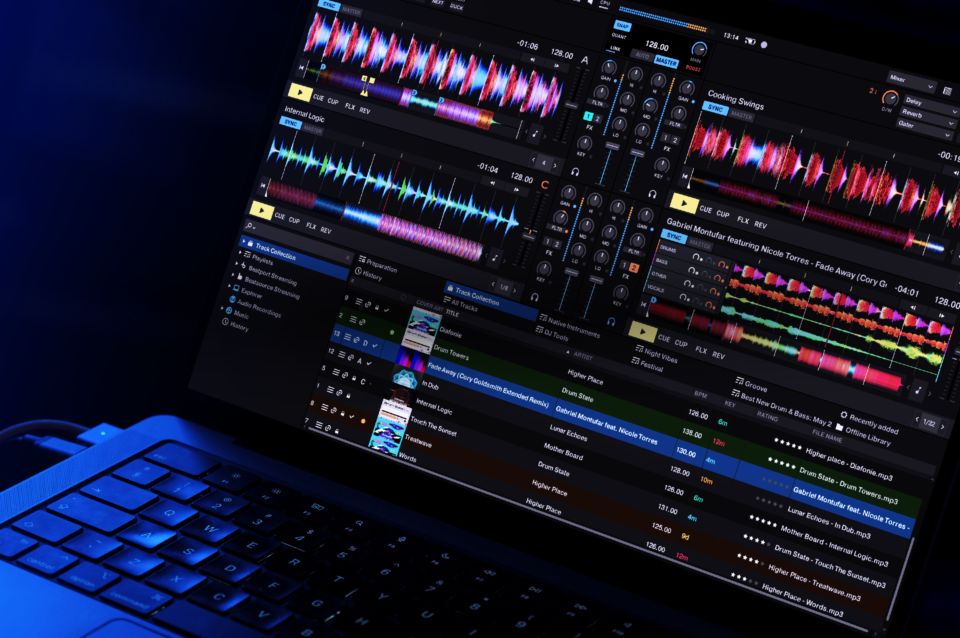
A controller without software is just a piece of plastic. Every model ships with a license or is compatible with specific DJ software. Here are the most popular ones today:
- Serato DJ (Lite / Pro) – intuitive and popular, especially with hip-hop and scratch DJs. The Lite version is free and comes bundled with most Reloop and Rane controllers. Upgrade to Pro when you need it.
- Traktor Pro 4 from Native Instruments – popular in the techno scene and with DJs who love effects, loops and complex workflows.
- Virtual DJ – universal, compatible with almost anything, great for beginners and event DJs. The free version has fewer restrictions than competitors.
Inputs and Outputs
Check what the controller offers: a main output (RCA or XLR/TRS) to a PA or active DJ speakers, a headphones output for cueing, and if you plan to MC or play weddings, check for a microphone input too.
Weight and Portability
If you only play at home, weight doesn't matter. If you play gigs, a compact controller fits in a backpack, while a heavier desktop model needs its own bag or case.
Recommended Brands and Models
Hercules – Your Gateway to DJing
Hercules DJ is the beginner's favourite. Controllers from this brand are affordable, durable and come bundled with software. Find the full range in Hercules DJ controllers.
For complete beginners:
For intermediate players:
For complete beginners:
- Hercules DJControl Inpulse 200 MK2 – the most affordable entry into DJing. Compact, lightweight, comes with DJUCED software. If you're just testing whether DJing is for you, this is the right choice.
- Hercules DJ Control Mix – compact, with Bluetooth output, ideal for home sets.
- Hercules DJControl Inpulse 300 MK2 – one step up, more pads and a better fader for those thinking more seriously.
For intermediate players:
- Hercules DJControl Inpulse T7 – motorised jog wheels at Hercules pricing. Realistic playing feel, full feature set. A great step up for those who outgrow beginner models.
- Hercules DJControl Inpulse 500 Silver – 4-channel, extended features for more complex sets.
- Want to start with Serato right away? Check out the Hercules DJstarter Kit with Serato DJ Lite – everything in one bundle.
Denon DJ – The Standalone Revolution
Denon DJ controllers are the favourite for DJs who want to play without a computer. Denon's standalone controllers pack a long feature list at a fair price and are a direct professional solution for both mobile and resident DJs.
- Denon SC Live 2 – a 2-deck standalone controller with integrated mixer, 7" touchscreen and WiFi streaming (Tidal, SoundCloud). Ideal for mobile DJs who don't want to carry a laptop.
- Denon SC Live 4 – the 4-channel version for more demanding sets and bigger events.
Numark – The Affordable Path to DJing
Numark offers some of the most affordable entry points into DJing while keeping quality at a solid level.
- Numark Party Mix – ultra compact controller with integrated light effect. Perfect for house parties and first steps.
- Numark Mixstream Pro Go – standalone controller with its own battery. Play anywhere – no power outlet, no laptop needed.
- Numark Mixstream Pro Plus – full standalone controller with WiFi streaming and touchscreen.
Native Instruments – For Those Who Want to Go Their Own Way
Native Instruments takes a slightly different approach from the mainstream. Their Traktor Pro 4 is a complex and powerful software, popular in the techno scene and with DJs who love effects. The Traktor Kontrol X1 MK3 is a great add-on to an existing setup or a standalone MIDI controller for a Traktor workflow.
Reloop – The Hidden Gem
Reloop DJ controllers are less prominent but highly respected among DJs. Excellent build quality, native Serato DJ support and pricing that speaks for itself.
- Reloop Ready Set – compact 2-channel controller for Serato, lightweight and sturdy.
- Reloop Mixon 8 Pro – 4-channel, compatible with both Serato and djay Pro, with HDMI output for video mixing. Professional solution for those who want more.
Allen & Heath – Pro Mixers for the Demanding
When you outgrow a controller and start looking at DJ mixers for a club setup, Allen & Heath DJ mixers are one of the top choices among professionals worldwide.
What Else Will You Need?
- DJ headphones – essential. For cueing you need closed-back headphones with good bass response and a swivelling ear cup (single-ear monitoring). This is not the place to cut corners.
- DJ speakers – for home use smaller active speakers are fine; for gigs you'll need a more powerful PA system. Check your controller's outputs and choose speakers accordingly.
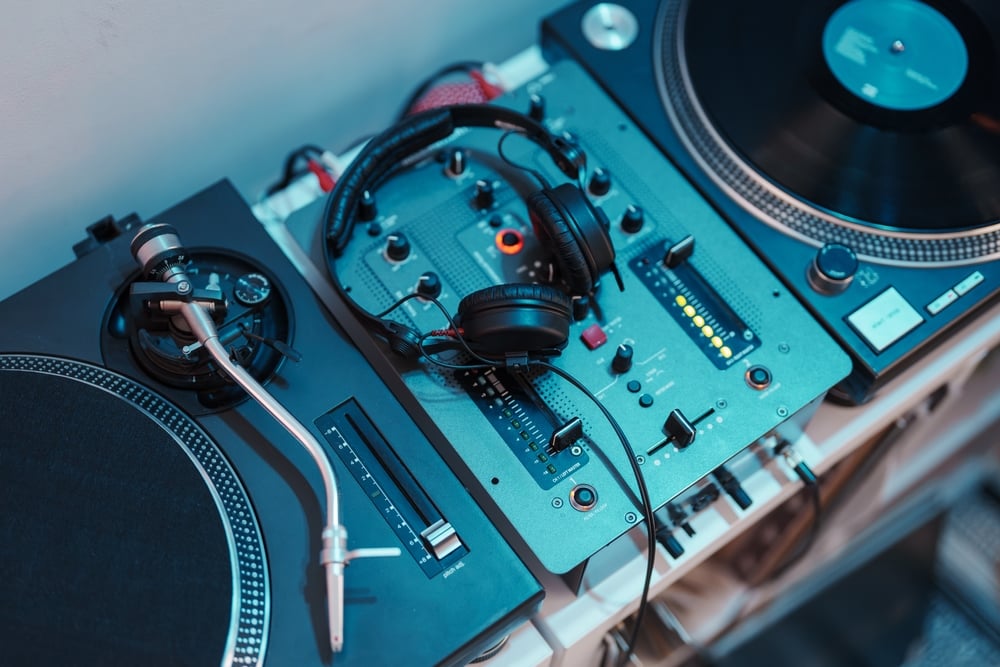
- DJ turntables – if you want to play on vinyl or learn scratching on a real platter, check out DJ turntables.
- DJ mixers – when you outgrow a controller, a mixer combined with CDJs or a standalone unit will be your next step. For professional sound we especially recommend Allen & Heath.
- DJ software – if you want to expand beyond your bundled software, look at Serato DJ Pro or Traktor Pro 4.
- Laptop – DJ software is demanding, especially with large libraries. At least 8 GB RAM and an SSD are the minimum.
FAQ – Most Common Questions About DJ Controllers
Do I need a laptop for a DJ controller?
For most controllers, yes – a DJ controller is an input/output device and the software runs on your computer. The exception is standalone controllers like the Denon SC Live 2 or Numark Mixstream Pro Go, which work without a laptop.
What software is best for beginners?
Virtual DJ and Serato DJ Lite have the lowest learning curve. For the techno scene we recommend Traktor Pro 4.
Is a more expensive controller always better?
Not necessarily. A pricier controller has larger jog wheels, motorised platters and better build quality. But both cheap and expensive models teach you technique equally well.
Can I DJ without a computer?
Yes, if you buy a standalone controller ( Denon SC Live 2, Denon SC Live 4 or Numark Mixstream Pro Go). Music from a USB drive or Tidal streaming – no laptop needed.
What controller do you recommend for a complete beginner under €300?
The Hercules DJControl Inpulse 300 MK2 or Reloop Ready Set are the two best choices in this category today. Both have native Serato support and a great YouTube tutorial community.
How much does a first DJ setup cost altogether?
Controller + headphones + active speakers = realistically €400–€700. If you have your own laptop and only buy a controller and headphones, you can do it for under €250.
For most controllers, yes – a DJ controller is an input/output device and the software runs on your computer. The exception is standalone controllers like the Denon SC Live 2 or Numark Mixstream Pro Go, which work without a laptop.
What software is best for beginners?
Virtual DJ and Serato DJ Lite have the lowest learning curve. For the techno scene we recommend Traktor Pro 4.
Is a more expensive controller always better?
Not necessarily. A pricier controller has larger jog wheels, motorised platters and better build quality. But both cheap and expensive models teach you technique equally well.
Can I DJ without a computer?
Yes, if you buy a standalone controller ( Denon SC Live 2, Denon SC Live 4 or Numark Mixstream Pro Go). Music from a USB drive or Tidal streaming – no laptop needed.
What controller do you recommend for a complete beginner under €300?
The Hercules DJControl Inpulse 300 MK2 or Reloop Ready Set are the two best choices in this category today. Both have native Serato support and a great YouTube tutorial community.
How much does a first DJ setup cost altogether?
Controller + headphones + active speakers = realistically €400–€700. If you have your own laptop and only buy a controller and headphones, you can do it for under €250.
Your First Set Is Closer Than You Think
DJing is a skill you can master without any musical education. All it takes is the right DJ controller, patience and a desire to experiment. Whether you start with the compact Hercules DJControl Inpulse 200 MK2, invest in the Reloop Mixon 8 Pro or jump straight into the standalone world with the Denon SC Live 2 – the key is simply to start playing. Find the complete range of DJ equipment at Muziker all in one place.