 Albania
 Argentina
 Australia
 Austria
 Belgium
 Bosnia and Herzegovina
 Brazil
 Bulgaria
 Canada
 Chile
Chile
 Colombia
 Croatia
 Czech Republic
 Denmark
 Estonia
 Finland
 France
 Germany
 Greece
 Hungary
 Ireland
 Italy
Italy
 Latvia
 Lithuania
 Luxembourg
 Mexico
 Moldova
 Montenegro
 Netherlands
 New Zealand
 North Macedonia
 Norway
 Philippines
 Poland
 Portugal
 Romania
 Serbia
 Slovakia
 Slovenia
 South Africa
 Spain
Spain
 Sweden
 Switzerland
 Turkey
 Ukraine
 United Kingdom
 United States of America



How to Start Music Production at Home
Think great music can only be made in professional studios with expensive gear? Think again. Today you can build a fully functional home studio on a tight budget – and the results will surprise you. This guide shows you exactly what you need, where to start, and how to avoid the most common mistakes.
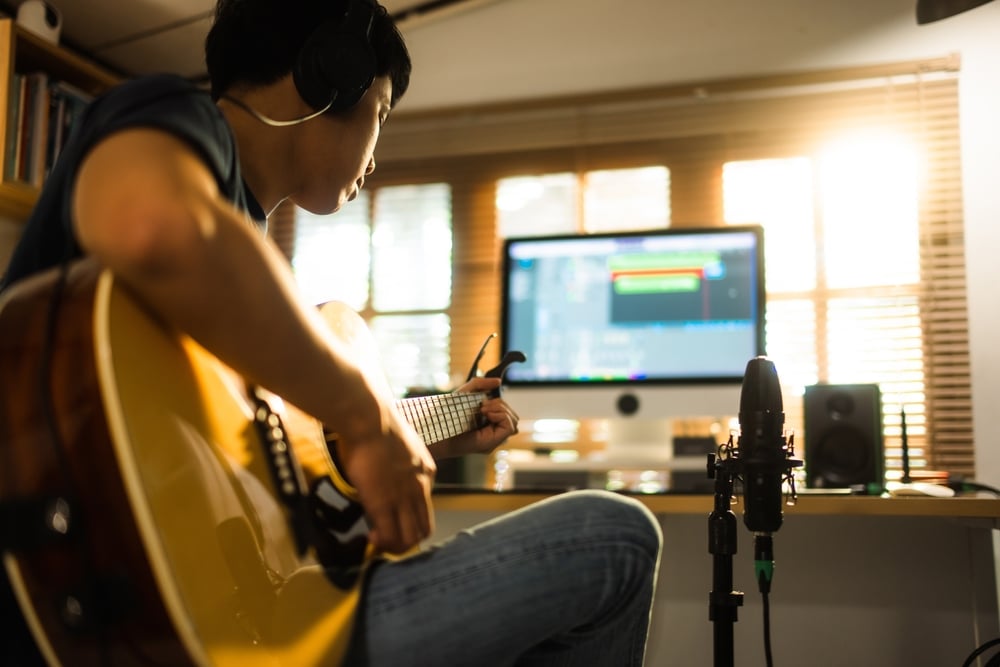
What Do You Actually Need for a Home Studio?
When people hear "home studio", they picture a room full of racks, cables and blinking lights. The reality is far more accessible. A decent start only requires a laptop or computer, a few key pieces of hardware and the right software. No acoustically treated booth. No tens of thousands of euros.
The basic setup looks like this: DAW software + audio interface + microphone or MIDI keyboard + headphones. Later you can add more gear as you figure out what you need. Start simple and grow gradually.
DAW – The Software Where All Your Music Is Made
A DAW (Digital Audio Workstation) is the program where you record, edit, compose and mix your music. You can't get by without one.
FL Studio – King of Beatmaking and Beginners
FL Studio is probably the most popular DAW in the world, and for good reason. Its intuitive interface, massive community and endless YouTube tutorials make it the ideal choice for anyone starting from scratch. Especially popular among electronic, hip-hop and trap producers, but you can make any genre in it. Big advantage: a one-time license purchase includes lifetime free updates.
Ableton Live – For Those Who Want to Perform Live
Ableton Live is the DAW loved by electronic music producers and DJs. It excels at live performance and looping, when you need to launch clips and improvise in real time. Slightly harder to grasp for complete beginners than FL Studio, but its logic is extremely powerful once you get it.
Studio One, GarageBand and More
PreSonus Studio One is a great choice for those wanting to record live instruments and vocals. It has a clean workflow and intuitive controls. GarageBand from Apple is free for every Mac owner and is a great stepping stone before moving to a full DAW. Reaper is a budget-friendly alternative with enormous customisation options.
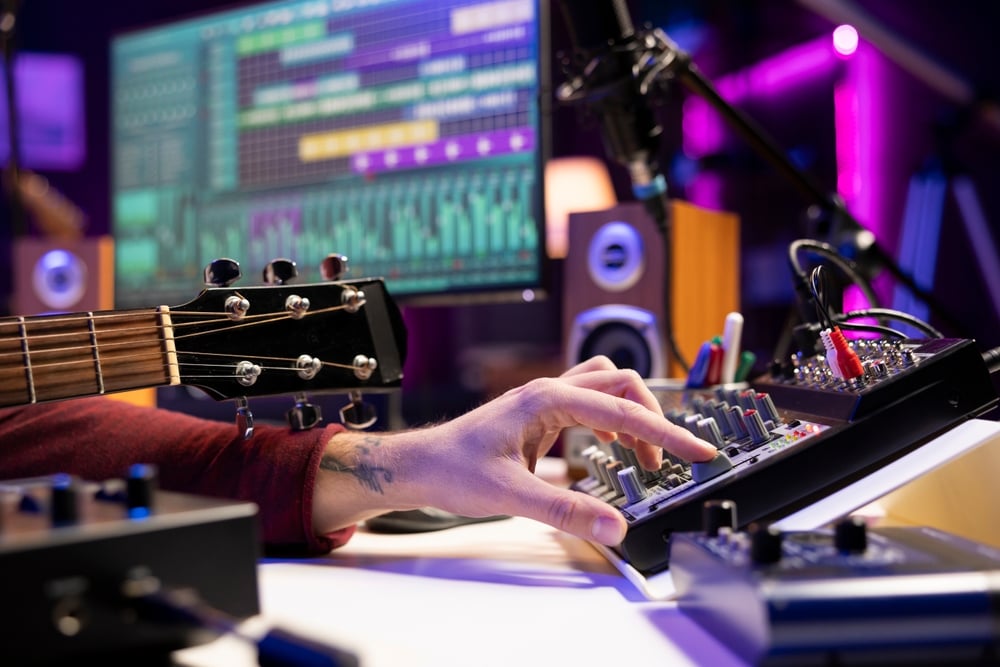
Audio Interface – The Bridge Between You and Your Computer
The built-in audio interface in your laptop is not enough for quality recordings. It produces noise, has high latency and cannot power a condenser microphone. An external audio interface solves all of this.
Why an Audio Interface Is the Foundation of Every Studio
An audio interface converts the analogue signal from your microphone or guitar into digital audio that your computer can process. Besides recording quality, it reduces latency to a minimum, which is crucial for real-time recording. For beginners, models with two inputs are ideal: one for a microphone, one for guitar or bass. The most popular entry-level interfaces come from Focusrite and PreSonus. The Focusrite Scarlett Solo or 2i2 are probably the most-used audio interfaces in the world precisely because they combine excellent quality with a sensible price.
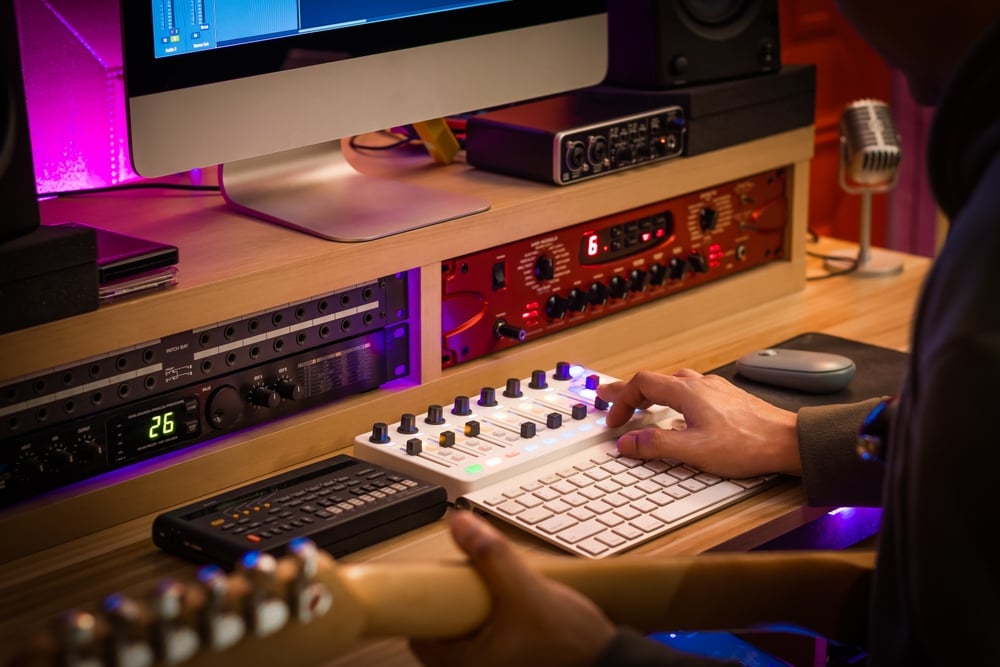
Microphone – Your Voice Into the Studio
If you want to record vocals, voice or acoustic instruments, you need a microphone. The question is which type.
Condenser or Dynamic?
Condenser microphones capture more detail and frequency range, making them ideal for vocals and acoustic instruments in quiet environments. Dynamic microphones are more robust, less sensitive to ambient noise and do not require phantom power. For a home studio a condenser microphone is usually recommended, but if you record in a room with poor acoustics or play loud instruments, a dynamic could be the better choice. Browse condenser microphones or dynamic microphones at Muziker.
What Else to Get With Your Microphone
A quality microphone deserves the right accessories too. A microphone stand frees your hands and keeps a stable position throughout the recording. A pop filter eliminates those unpleasant popping sounds when singing syllables with "p" and "b". These are cheap add-ons that make a big difference.
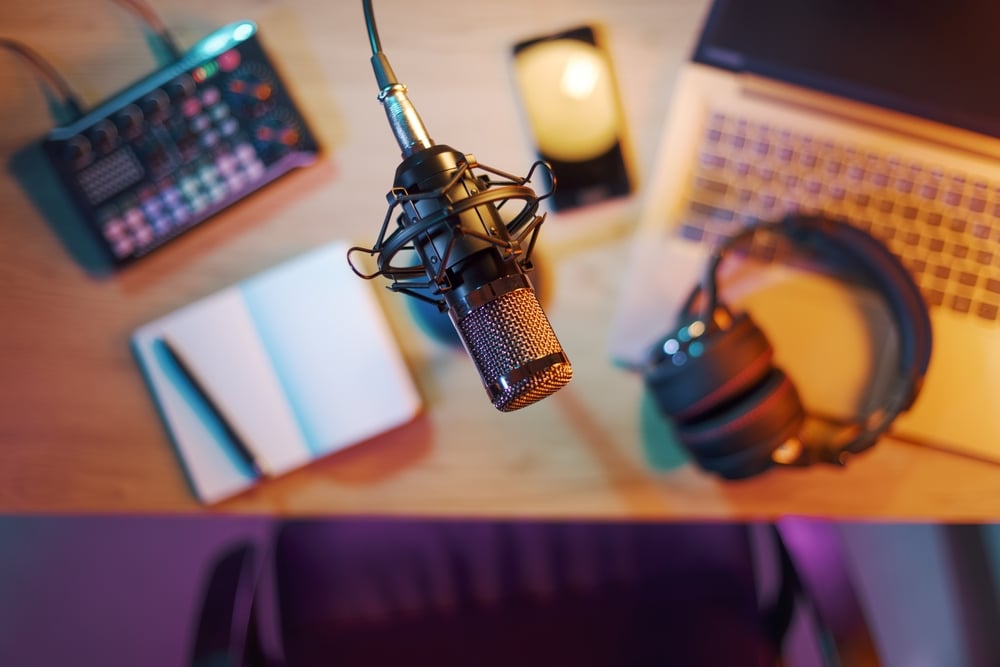
MIDI Keyboard – When You Want to Program and Play
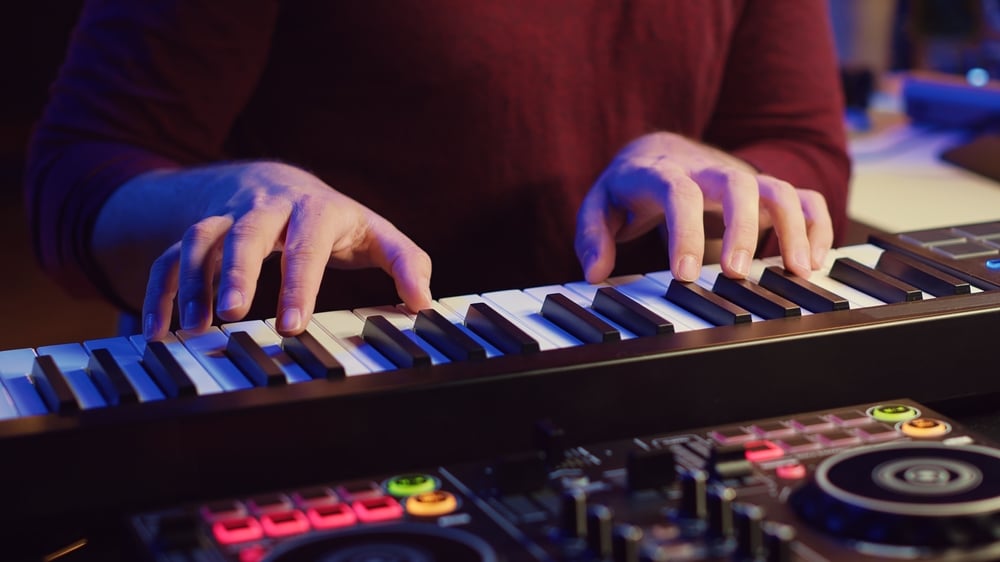
If you plan to make beat-driven productions, electronic music or work with software instruments in your DAW, a MIDI keyboard is indispensable. You don't need to know how to play piano – basic chord knowledge is enough. A MIDI keyboard does not record sound itself; it sends information to your DAW about which note you pressed and how hard. The DAW converts that data into sound using virtual instruments. If you want a more compact beatmaking tool, MIDI controllers with pads will also serve you well.
Studio Monitors or Headphones?
Are you listening to your music through regular speakers or consumer headphones? Then you are probably mixing with a skewed picture. Regular speakers add bass and mids to sound better, not more accurately. Studio monitors are designed to show you the sound exactly as it is. For the first steps in a home studio, closed-back studio headphones are a great choice. They isolate you from your surroundings, do not disturb others, and are somewhat more affordable than good monitors. Once you feel more confident and want to progress, invest in studio monitors. They give you a far more accurate spatial picture of the sound when mixing.
Recommended Setups by Budget
Minimum Start (Under €300)
This is the foundation you can start recording with right away. Focusrite Scarlett Solo + condenser microphone + studio headphones + DAW (FL Studio Trial or GarageBand free). It really does not get simpler than this.
Solid Setup for the More Serious Beginner (€300–€700)
Focusrite Scarlett 2i2 or PreSonus AudioBox, a mid-range condenser microphone, a 49-key MIDI keyboard, studio headphones and a purchased FL Studio or Studio One licence. Professional producers record with this level of gear too.
Full Home Studio (€700 and Above)
On top of the above you add studio monitors, acoustic panels to improve the room's sound and possibly additional hardware depending on the genre you make.
studio lab: Learn Home Recording Straight From a Sound Engineer
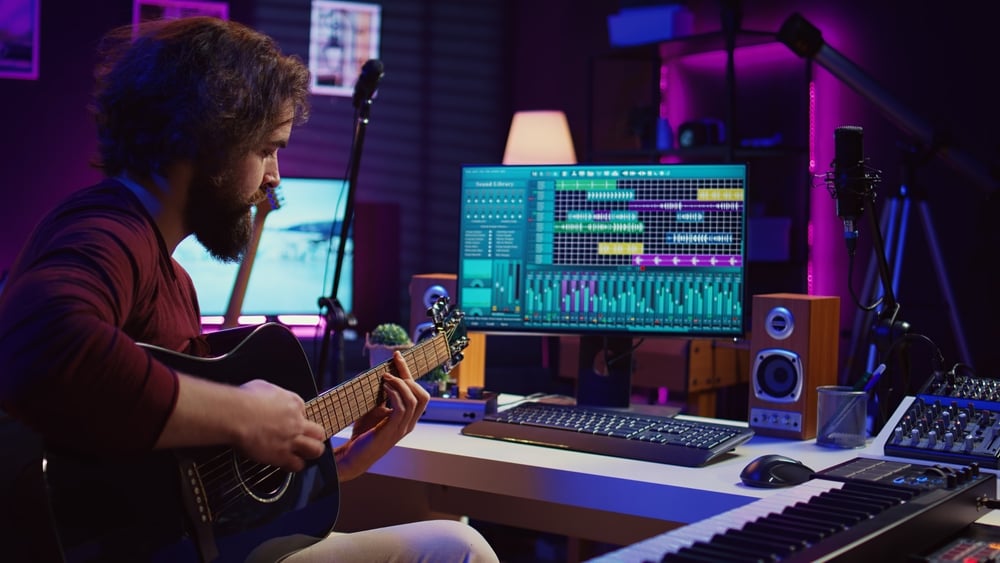
Reading about recording is one thing. Watching a pro do it in real time is something else entirely. That is why we launched the studio lab series on our YouTube channel. Together with sound engineer Jakub Hríbik we show you the fundamentals of modern home recording without unnecessary theory, straight from the studio into practice. Each video focused on a specific problem beginners face most often. Find the full playlist here: Muziker studio lab on YouTube
Most Frequently Asked Questions About Home Studios
What Do I Need to Start a Home Studio?
You only need four things to get started: DAW software, an audio interface, a microphone or MIDI keyboard, and studio headphones. You can expand your setup later as you discover what you need.
How Much Does a Basic Home Studio Cost?
You can put together a decent entry-level setup for €200–400. Focusrite Scarlett Solo + condenser microphone + studio headphones + FL Studio Trial for free is more than enough to start. If you want to record a microphone and guitar simultaneously, jump straight to the Focusrite Scarlett 2i2.
Is FL Studio Better Than Ableton?
It depends on what you do. FL Studio is more intuitive for beatmaking and electronic music, while Ableton Live excels at live performance and looping. For a complete beginner, FL Studio is usually the easier entry point. Find both in the recording software DAW category.
Do I Need an Audio Interface for Home Recording?
Yes. The built-in audio interface in your laptop has too much latency, noise and cannot power a condenser microphone. An external audio interface is the foundation of every home studio. Find the most popular Focusrite and PreSonus models directly at Muziker.
What Microphone Should I Buy First?
For vocals and recording acoustic instruments in a quieter room we recommend a condenser microphone in the €50–150 range. If you record in a noisier environment, consider a dynamic microphone.
Do I Need to Know How to Play Piano to Use a MIDI Keyboard?
No. Basic knowledge of a few chords is enough for programming beats and chords. Many producers play with just one finger and the results are great. Browse MIDI master keyboards by key count and budget.
What Are Studio Monitors and Why Do I Need Them?
Studio monitors are speakers designed for accurate, uncoloured sound reproduction. Unlike regular speakers they do not add bass or treble to sound better. This lets you mix so your music sounds good on any speaker system.
Can I Make Music With Just Headphones?
Yes, they are perfectly fine to start with. Closed-back studio headphones are very practical for a home studio. As you progress and start mixing, studio monitors will give you a more accurate spatial sound picture.
Do I Need Acoustic Treatment in My Room?
Room acoustics are not priority number one for your first recordings. Recording in a room with as much soft furnishing as possible (sofa, carpet, curtains) to absorb reflections will help. Once you reach a higher level and start mixing, acoustic panels make a significant difference. Do not forget a pop filter and microphone stand for your mic.
Your Music Is Waiting
A home studio is not a question of money. It is a question of commitment. Today's tools are so affordable and powerful that the barrier is not gear – it is starting. Buy a basic setup, launch your DAW and make your first beat. It will be terrible. So will the second. But the third will be a little better. That is how it works. Find all the home studio gear at Muziker. If you are unsure about what to choose, feel free to reach us in showroom or via chat. We are happy to help.