 Albania
 Argentina
 Australia
 Austria
 Belgium
 Bosnia and Herzegovina
 Brazil
 Bulgaria
 Canada
 Chile
Chile
 Colombia
 Croatia
 Czech Republic
 Denmark
 Estonia
 Finland
 France
 Germany
 Greece
 Hungary
 Ireland
 Italy
Italy
 Latvia
 Lithuania
 Luxembourg
 Mexico
 Moldova
 Montenegro
 Netherlands
 New Zealand
 North Macedonia
 Norway
 Philippines
 Poland
 Portugal
 Romania
 Serbia
 Slovakia
 Slovenia
 South Africa
 Spain
Spain
 Sweden
 Switzerland
 Turkey
 Ukraine
 United Kingdom
 United States of America



Sonnox Oxford Envolution (Native) (Digital product)
Brand: Sonnox
Product code: 1127901 (1029-44)


Sonnox Oxford Envolution (Native) (Digital product)
Brand: Sonnox
Product code: 1127901 (1029-44)

- License: Full Version
- License duration: Perpetual
- Тype: Transient Processor
- Supported plug-in formats: AAX, AU, VST
- Compatible with: All major DAWs
Sonnox Oxford Envolution (Native) (Digital product)
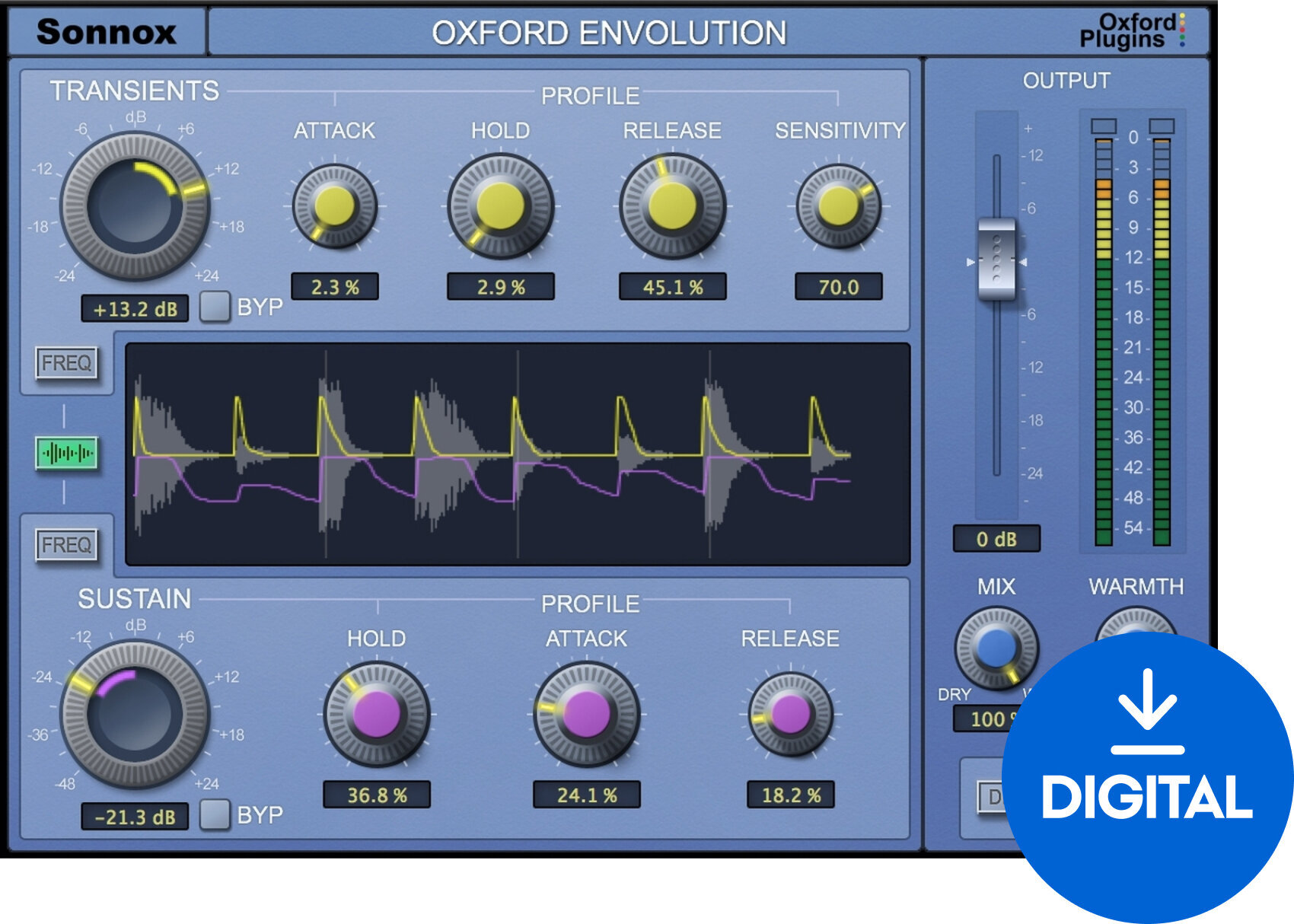
The Oxford Envolution Native from Sonnox is a frequency-dependent envelope shaper that provides unparalleled control over the transient and sustain characteristics of audio signals. This tool allows for subtle to drastic reshaping of audio material, making it perfect for enhancing percussive attacks, controlling room sound in drum recordings, or even modifying the tonal balance of complex mixes.
Envolution operates in two modes: Transient and Sustain. The Transient mode allows for precise shaping of the attack of sounds, giving clarity and presence to percussive elements. The Sustain mode modifies the release and decay of sounds, which can help to either clean up a mix by reducing unwanted reverb and noise, or enhance ambiance and richness. The plugin offers adjustable frequency range settings, allowing users to target specific elements of the sound spectrum.
The interface of Envolution is designed for intuitive use, with controls finely tuned for quick adjustments without sacrificing depth of control. Whether you're looking to tighten up a snare drum, add shimmer to cymbals, or even out dynamic vocal performances, Envolution provides the necessary tools to craft your sound meticulously.
Compatible with VST, AU, and AAX formats, Oxford Envolution fits seamlessly into any production workflow, offering creative flexibility and technical precision to both mixing and mastering engineers.
DOWNLOAD: http://www.sonnox.com/register
In order use Sonnox plugins, you will need a free iLok account and the iLok Licence Manager installed in order to authorise your plugin and manage the licence. Please see Sonnox helpdesk article - What is iLok? for a detailed overview.
To register for a free iLok account and to create your iLok ID, please follow this link.
After registering, please then download and install the iLok Licence Manager.
After installing Licence Manager on your system, please log in with your new ID and password. Please then go back to your Sonnox order confirmation email, and click on the 'Download' link again to go back to the iLok Licence deposit window. Please then enter your iLok ID where prompted, and this will deposit your licence into your iLok account for you to activate in your newly installed Licence Manager software. You'll then be redirected to the installer page to download the plugin.
Then see the following helpdesk articles for further information on how to store, manage and activate your licences:
Which locations can I use for my Sonnox licence?


License duration
Download
Тype
Compatibility
Compatible with
Supported plug-in formats
AAX, VST, AU
Documents
Safety instructions
Please refer to the user manual for the specific safety instructions for this product.


